
- Help Center
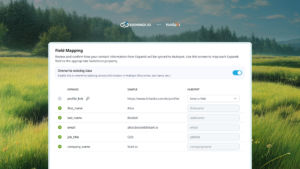
- Available FeaturesField Mapping
- Website
Hubspot
Partially IntegratedExpandi’s native HubSpot integration ensures your CRM stays focused on what matters: engaged prospects.

Overview
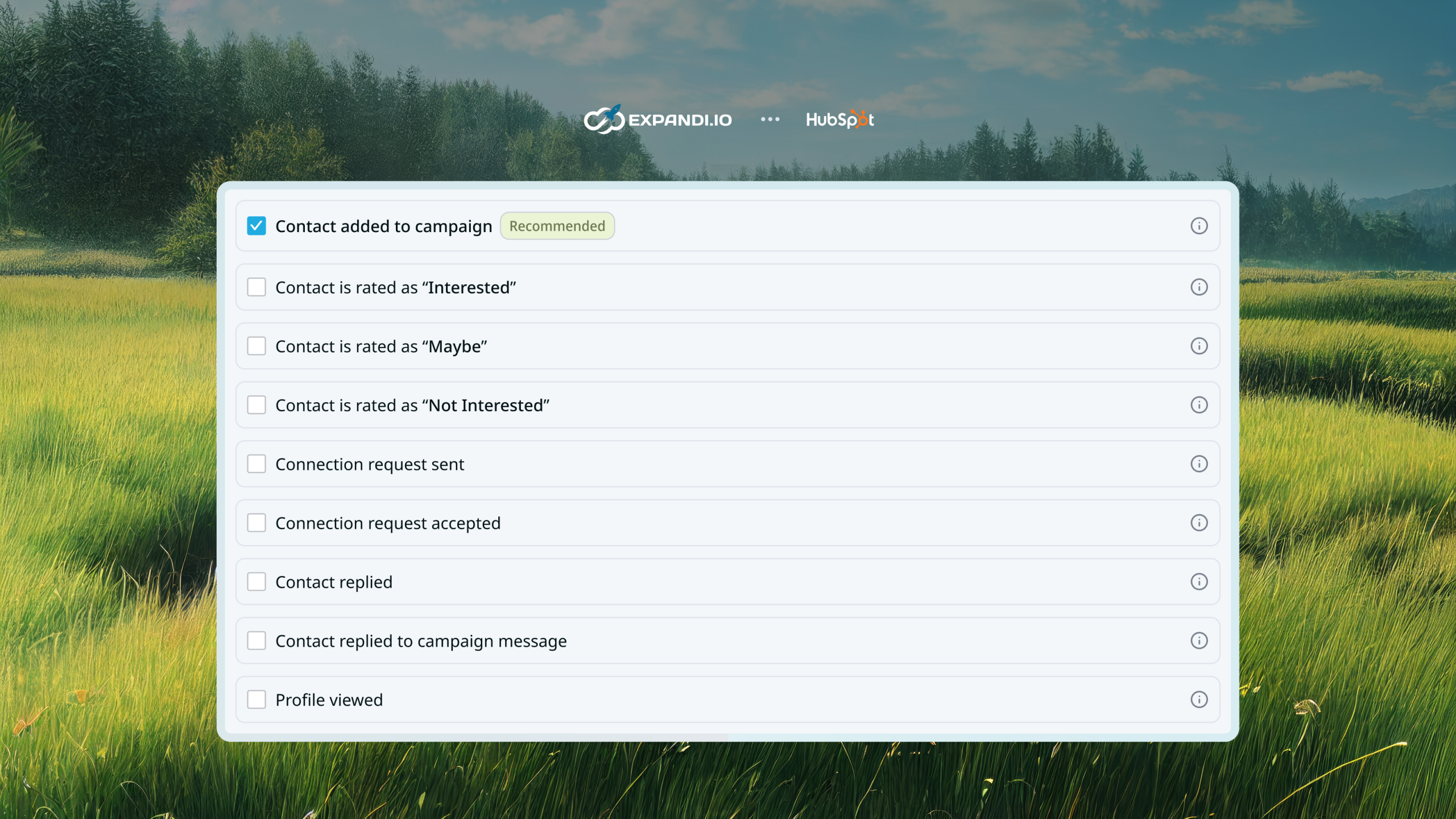
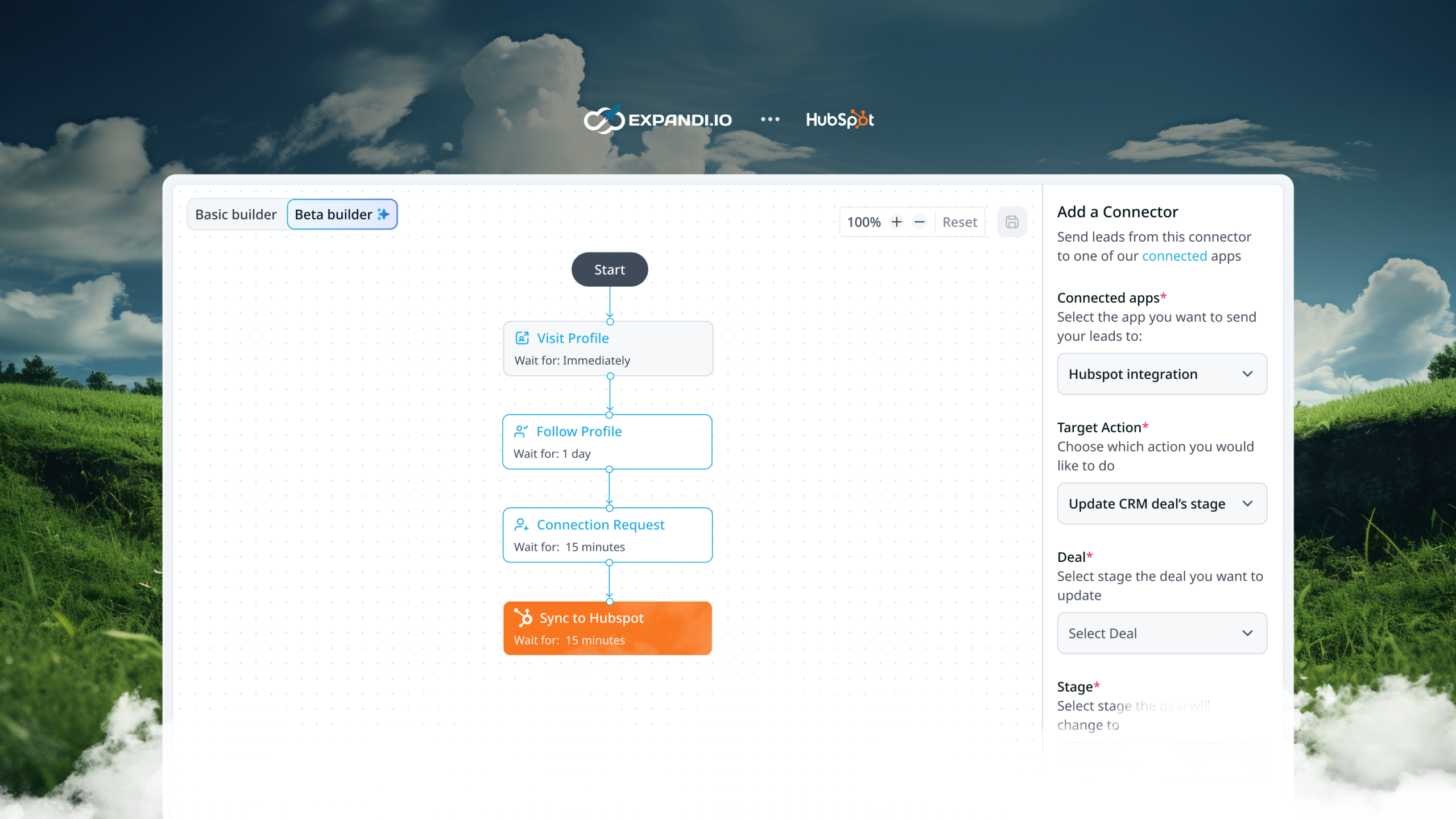
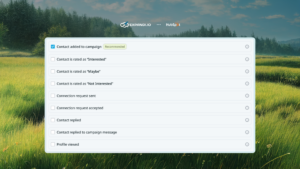
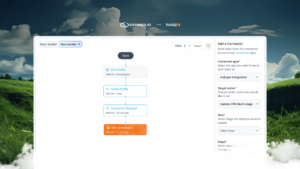
Expandi’s native HubSpot integration ensures your CRM stays focused on what matters: engaged prospects. Leads can be synced automatically based on actions in Expandi—such as replies, connection requests, or sentiment—or sent manually with a single click.
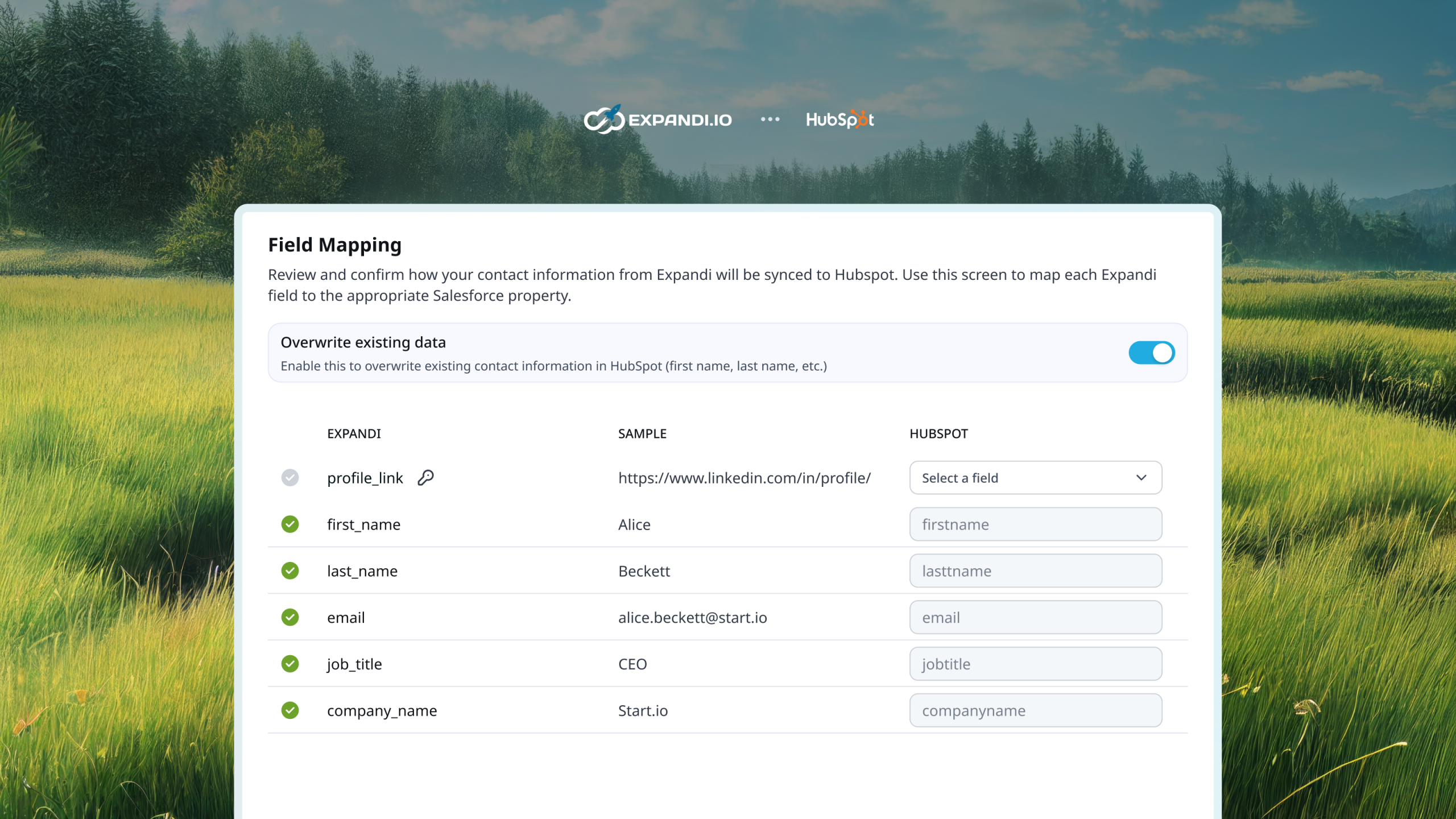
Once a contact is in HubSpot, every interaction is synced to their timeline, from connection requests to messages exchanged. This gives your sales team complete visibility into the relationship history, so follow-ups are always timely and relevant.
How to integrate HubSpot to Expandi?
Admin access to HubSpot is required in order to be able to link Expandi to HubSpot
- Login to your Expandi account, navigate to your
 Workspace
 - Then go to
 Integration
 - Look for the Hubspot integration section there:
 Workspace
 Integration

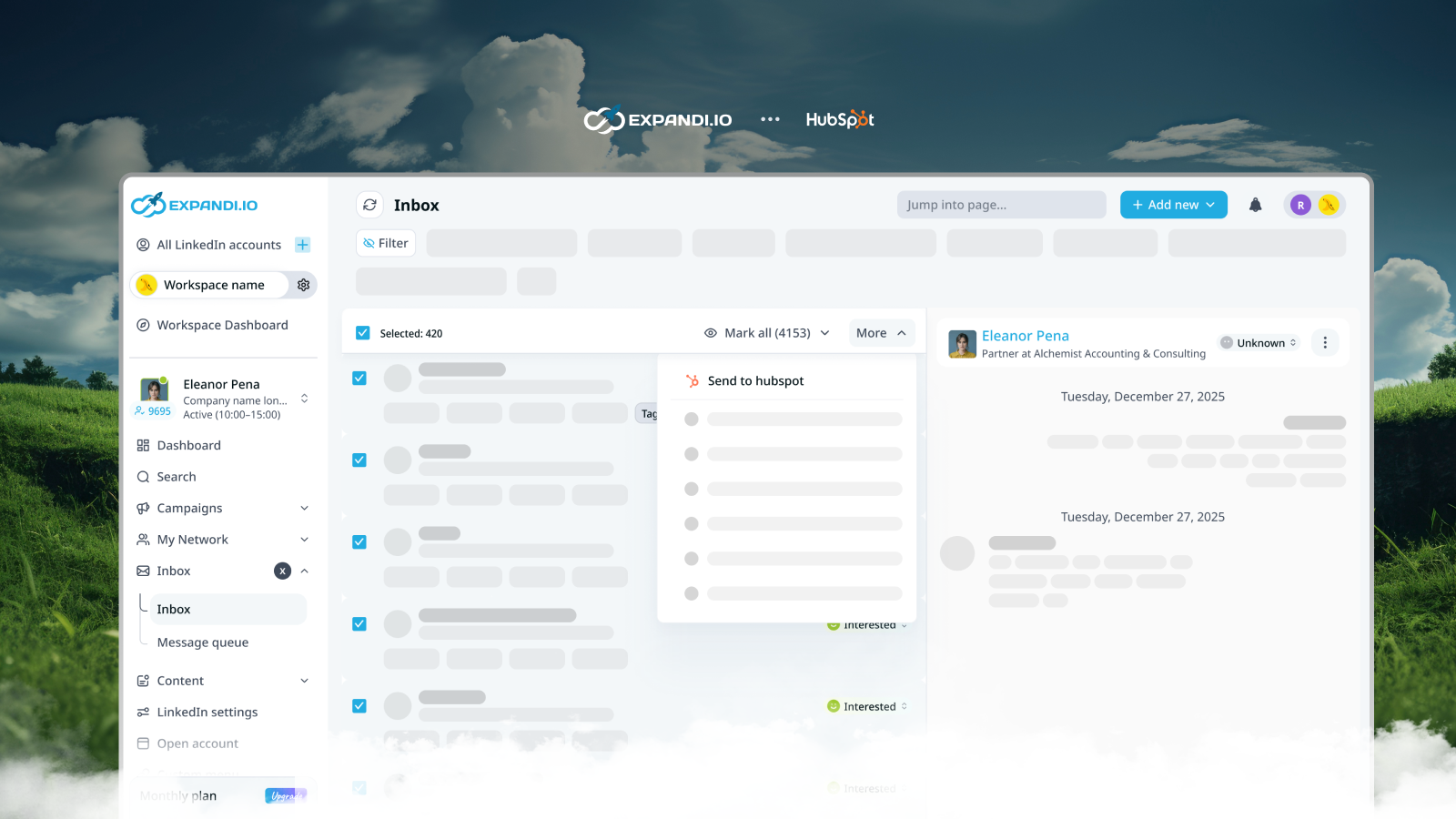
You can also choose to manually sync a hubspot contact by going to
Inboxand using theSend to HubSpotbutton for individual contacts or by selecting a bunch of them and clickingmore
Facing an issue with this integration?
Whether you have questions about setup, features, or troubleshooting, our dedicated support team is ready to assist you anytime.
All third-party trademarks (including logos and icons) referenced herein are the property of their respective owners. The third-party products or services that integrations connect to are Non-Expandi Applications (as defined in Expandi’s Master Subscription Agreement or Personal Terms of Use, as applicable). By enabling any integration or otherwise using the Expandi Integration Gallery, you agree to Expandi’s Integration Gallery Terms.
Missing an integration you need?
Let us know! We’re constantly expanding our collection to serve you better.