
Sales automation that works from day one


 Daniel

 Aisha

 Tom
 Claude
Disconnected outreach leaks pipeline at every handoff
- You’re doing follow-ups when you find the time. Every follow-up fires on schedule and shows in the CRM.
- You lose weeks while getting the automation to work. You can start reaching out the same day you sign up.
- Execution gets messy across reps. Every rep works from the same shared workspace.
- Outbound turns into a numbers game. Outreach fires on a prospect’s signal, not a target number.
GTM does not have
to be rocket science
-
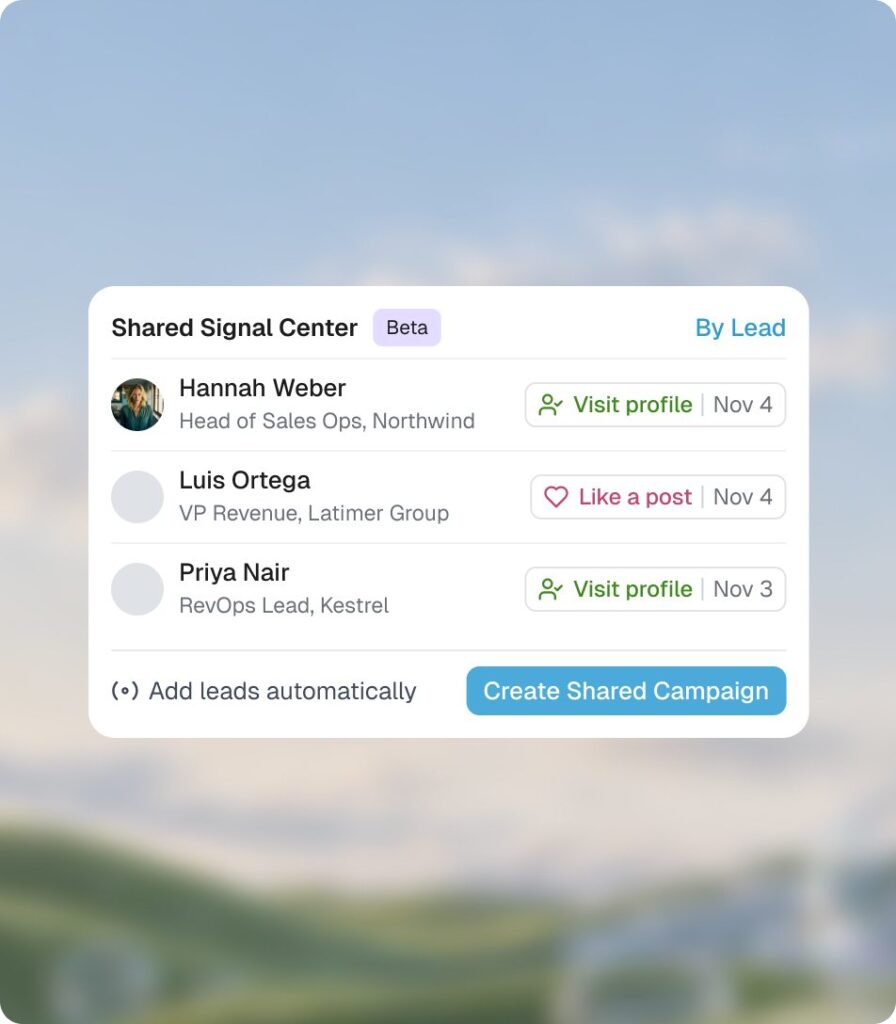
Signals
Reach the right people in the right moment
- Expandi handles:
- Spotting who visited or engaged, across every LinkedIn account.
- You decide:
- Who to add, and to which campaign.
-
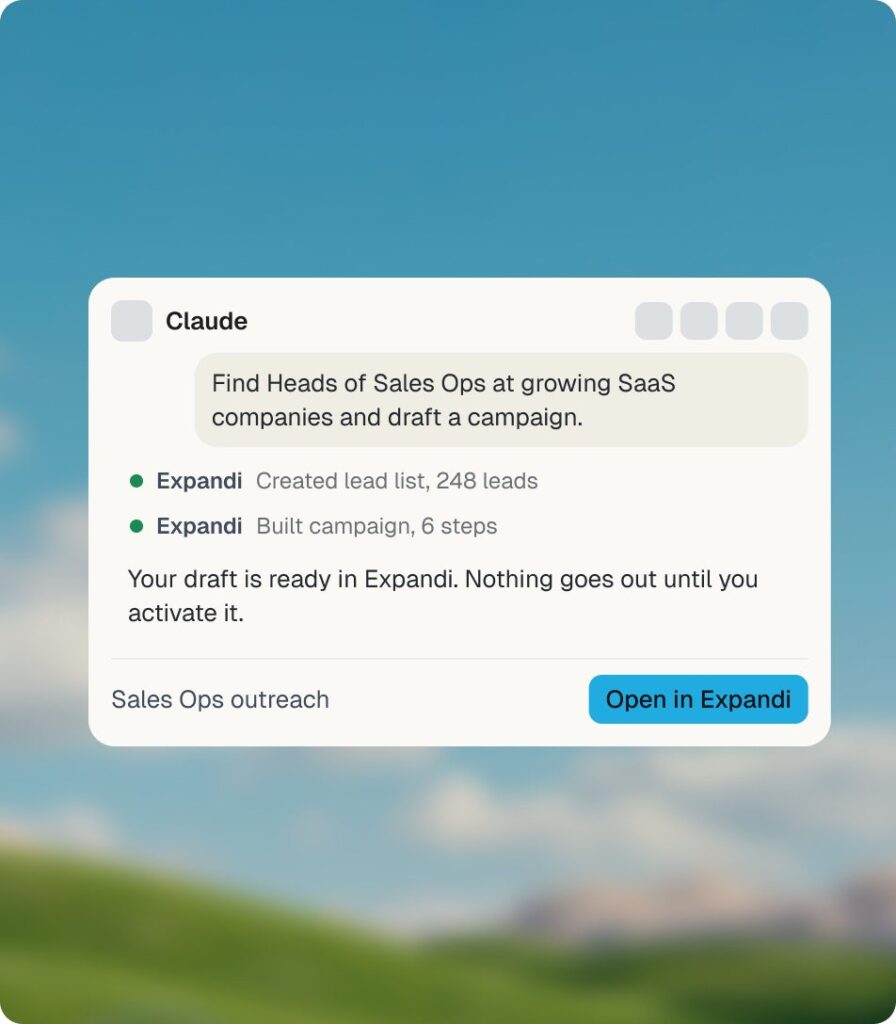
Expandi MCP
Let your AI prepare it
- Expandi handles:
- Turning one message to the AI you already use into a lead list and a draft campaign.
- You decide:
- What goes out. It stays a draft until you approve it.
-
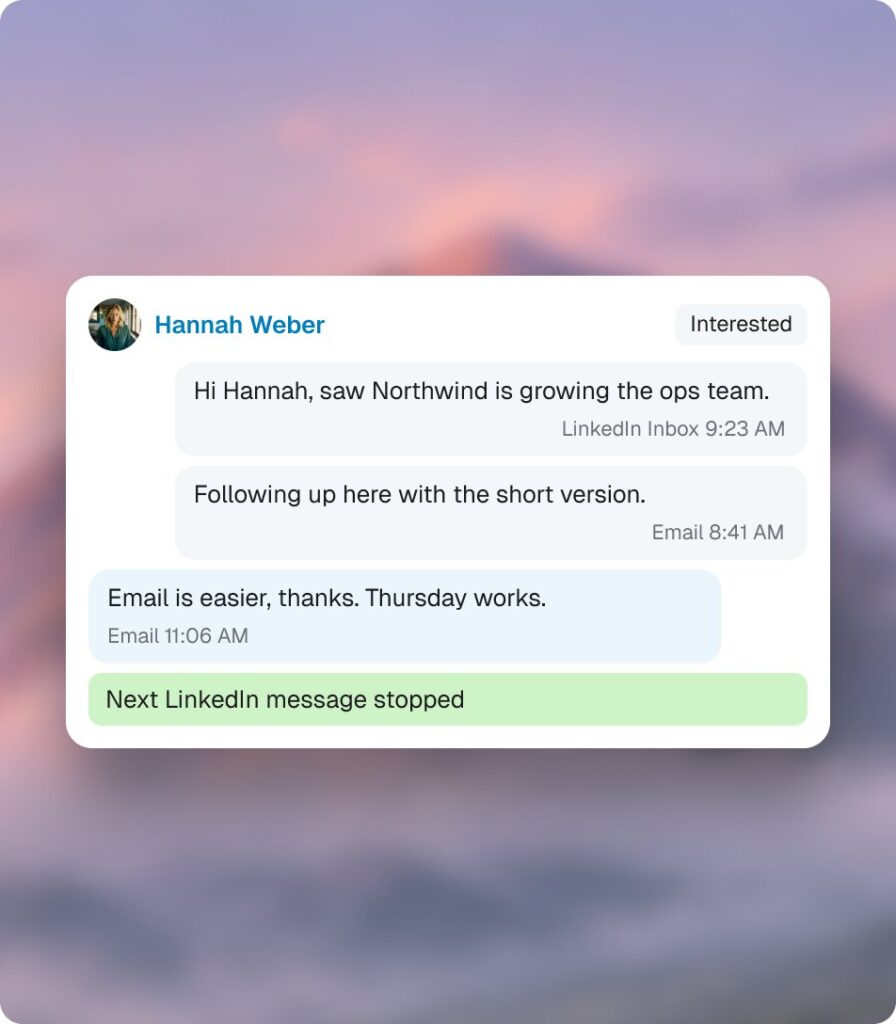
Channels
Run LinkedIn and email outreach as one motion
- Expandi handles:
- Keeping LinkedIn and email on one record, and stopping the sequence when someone replies.
- You decide:
- Which mailboxes, which sequence, what limits.
-
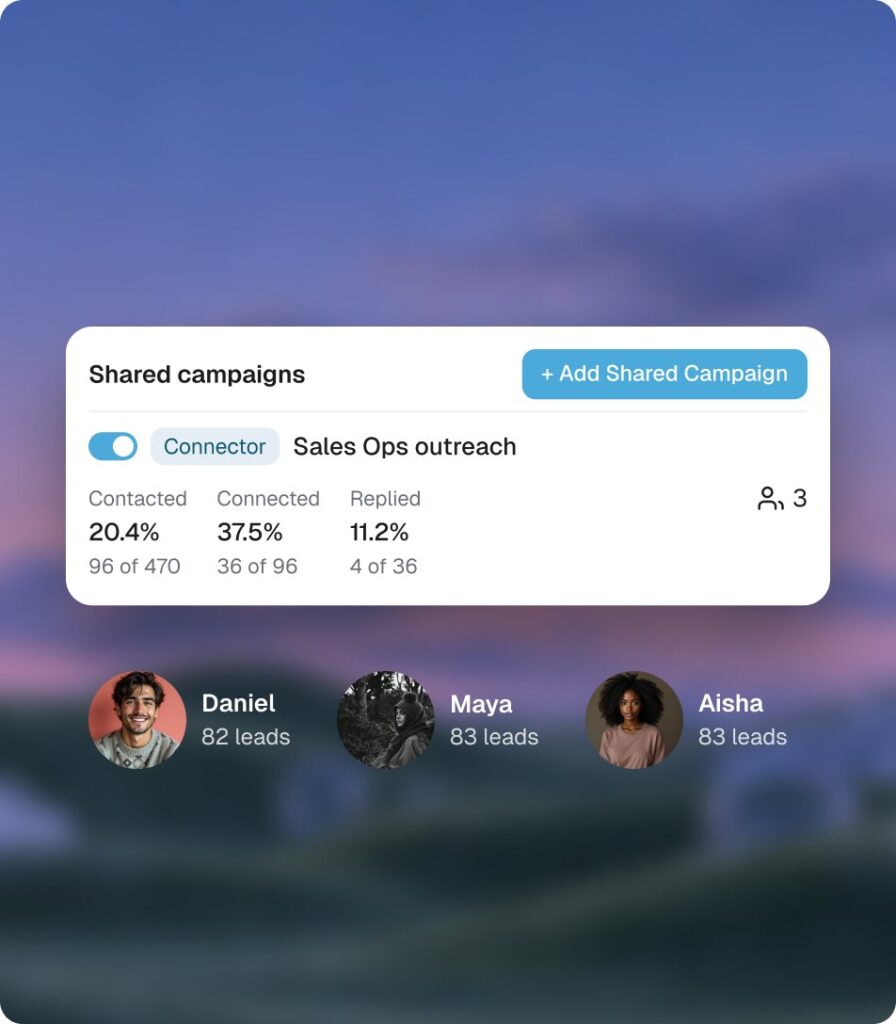
Team
Run it as one team, without stepping on each other
- Expandi handles:
- Splitting the leads so nobody gets contacted twice, and showing every account side by side.
- You decide:
- Who runs which campaign, and who to coach.
What teams gain with Expandi’s sales automation
150+ client LinkedIn accounts, run under his own brand
“We never sold Expandi as software. We sold it as a tool where we did all the setup for the client.” Before this, LinkedIn conversations never really showed up in our CRM. During pipeline reviews, we had to ask reps what happened.


350+ calls booked for that client in six months. Flobase runs every client on Expandi.

Two founder profiles, 358 replies in 90 days.

442 replies in 90 days from 5 LinkedIn profiles, run from Claude Code
Three SDRs and two technical profiles send up to 3,000 connection requests a month through Expandi MCP. 29% of accepted connections reply, against a 22% median for Expandi accounts.
More of what your
team runs on

Stop losing warm conversations.
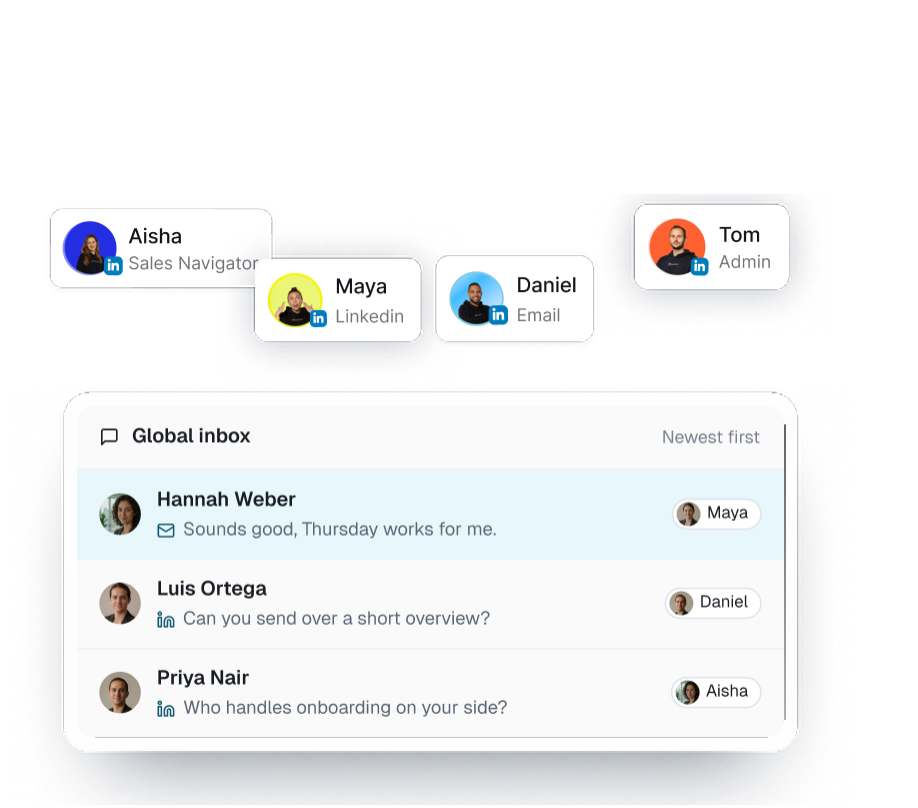
Keep every thread in one Global Inbox.
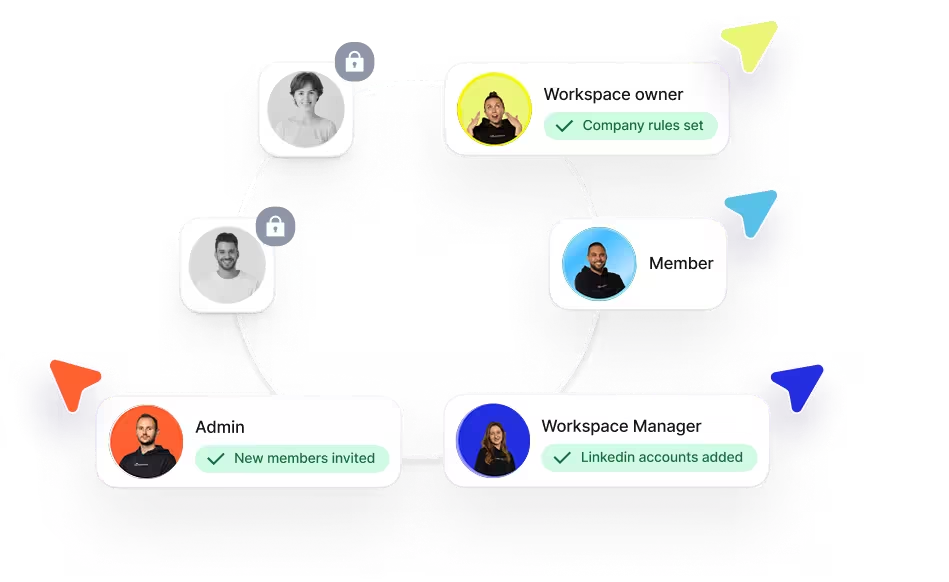
Run Shared Campaigns across your whole Workspace.
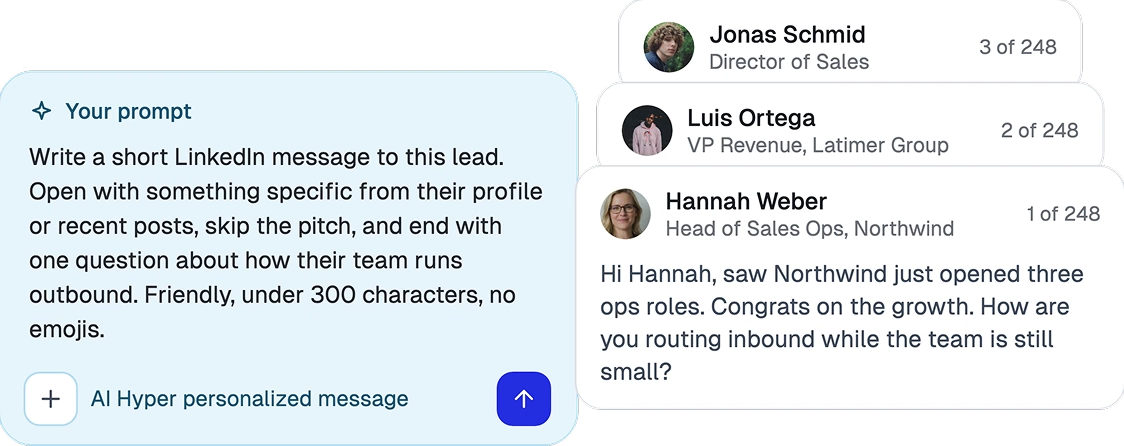
Write the prompt once. Every lead gets their own version.
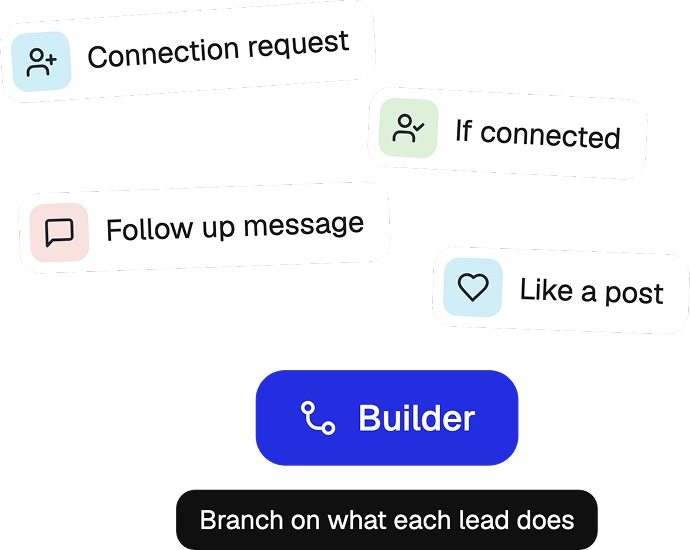
Build the sequence your way in the Campaign Builder.
Built for how your team sells
Sales teams
One easy-to-set-up motion your whole team runs the same way, visible to everyone.
- One campaign shared across every rep’s LinkedIn account
- Leads split so no prospect hears from two reps
- Every account side by side, so coaching is easier
Starting at $79 per month. See pricing

Agencies
One setup per client, in the workspace they already run.
- Results you can simply share without building reports by hand
- A separate workspace for each client
- Every reply in one inbox
Starting from $381/month for 11 seats. See pricing

CEOs & Founders
A simple way to run unified outreach, in plain language, with the AI you already use.
- Describe who you want to reach
- Approve what goes out
- Get every reply in one inbox
Starting at $79 per month. See pricing

One source of
truth for your
team’s go-to-market
-
“Great user interface for sales automation—easy to use, and it makes creating campaigns simple.”
 Verified User
October 2026
-
“The initial setup was very easy, especially setting up multiple sales campaigns and having the results filtered in a manageable way.”
 Gill M.
November 2026
-
“It is a very intuitive and easy to use sales automation tool, their support is very good too.”
 Verified user
November 2026
-
“The platform is easy to use, reliable, and has made LinkedIn outreach much more efficient. Their customer support is also outstanding. The team is very responsive.”
 Angela Sarabosing
July 2026
-
“We really like how easy Expandi makes it to manage multiple LinkedIn outreach campaigns in one place. It makes our sales outreach more structured, consistent and easier to monitor.”
 Marie Z.
September 2026
-
“Expandi is the best option for LinkedIn automation on the market. Their dashboard and interfaces make it really easy to engage with others on LinkedIn.”
 Finn S.
January 2026
-
“It’s more user friendly than Dux Soup, and it makes running many LinkedIn campaigns easier.”
 Ronald B.
April 2026
-
“Expandi is very user-friendly. It offers a lot of built-in tools that make it easy to create custom sales campaigns, engage new leads, and close deals.”
 Constance C.
March 2026
-
“I like how sophisticated Expandi is, with intuitive built-in functions that I wanted years ago. The biggest thing I love is that it automates everything.”
 Steve M.
October 2026
-
“With Expandi safety is not going to be an issue. We’ve been using Expandi for three years with no accounts banned.”
 Harry Mason
-
“I can launch a campaign directly from Claude Code and only touch Expandi to press the launch button. That’s all.”
 Taras Pashniak
-
“My favorite sales automation tool is Expandi. I’ve tried about a dozen different ones, and in terms of settings and stability, this is the best.”
 Andrew Bush
See what makes Expandi the best sales automation tool for LinkedIn and email
How our outbound automation tool stacks up against other outreach platforms.
Frequently asked questions
Everything you need to know before running the sales automation tool built for efficiency.
The 7-day free trial gives you access to all Expandi features, so you can fully explore the safest LinkedIn automation software on the market without any limitations.
During your free trial, you can try all the Expandi campaign types, search opportunities for audience scraping, filters, analytics, personalization, blacklist feature, and many other opportunities, and create as many campaigns as possible.
We suggest starting with baby steps, though. When it comes to limit ranges and the overall number of actions you can take during this week, you should warm up your account and ensure account safety first.
Create your first audience searches, assign them to campaigns, experiment with different approaches, and get your first results. Everything is free during your 7-day trial.
Absolutely not! We will only charge you once you decide to use Expandi after completing your evaluation. Your free trial is valid for 7 days.
Of course! You have the flexibility to upgrade your subscription plan by adding more seats or changing your billing cycle from within your account at any time. You can find more details in our help center.
If you’re considering adding more than 10 seats, our sales team can guide you through the platform and share valuable outreach strategies. Request a call here.
Expandi offers both a monthly plan for $99 and an annual one, including all features (additional taxes may vary by country).
Choosing the annual plan and paying upfront grants you a 20% discount, equivalent to receiving two months for free. The more seats you acquire, the greater your potential discounts.
If you’re evaluating Expandi for 10+ teams or seeking a white-label solution, please request a call here, and we’ll be delighted to assist you.
Contact our military-grade omnichannel support if you have any questions or encounter setup challenges. You can access the widget at the bottom right of our website or email us at [email protected].
While it’s not essential, using Sales Navigator can help build trust in your account and expand your limit ranges. We recommend using Sales Navigator to enhance your outreach efforts, but it’s optional — you can use Expandi without it.
Being an ambassador grants you a unique chance to generate income by advocating for Expandi within your network. It offers an excellent means to share the Expandi message and receive recognition for your endeavors.
Moreover, our Affiliate Program imposes no costs on you. Creating an affiliate account is a swift process, and you can commence earning a 20% commission on each new customer you refer, which is applicable for 12 months from their registration date. What’s even more exciting? Your commission grows as you bring in more referrals! Learn more about our affiliate program.
If you are looking for a White Label solution or thinking about incorporating more than 10 seats, our sales team is available to provide platform guidance and offer valuable outreach strategies. You can request a call by clicking here.
Expandi offers a broader array of campaign types, allowing you to customize your outreach to align with your specific goals. Our cloud-based platform provides enhanced campaign capabilities that significantly boost the long-term efficiency of your outreach efforts.
We prioritize account safety by recommending the optimal number of weekly connections based on extensive research and thorough big data analysis, ensuring the protection and trustworthiness of your accounts.
While promising high limits might be simple, we genuinely care about the long-term well-being of your accounts, providing our customers with top-notch practices and insights.