9 Outreach.io Alternatives for 2026, Compared on Real Cost, Features and Channels

Key Takeaways
Salesloft is the closest enterprise alternative to Outreach.io, though its roadmap is still settling following the Clari merger. HubSpot and Salesforce are a good fit for teams that want engagement inside their CRM. Apollo combines data with sequencing, whereas Expandi is for teams who lack a LinkedIn channel. Reply.io, Gong Engage, Lemlist, and Mixmax cover more use cases.
9 Outreach.io Alternatives for 2026, Compared on Real Cost, Features and Channels


Renewing your Outreach subscription might come with a bit of awkwardness: the quote is a lot and/or your team may only use part of the platform, leaving the rest unused but still paid for. The right Outreach.io alternative depends on what you’re looking to fix, whether it’s cost, admin burden, CRM fit, data coverage, or an email-heavy motion that no longer gets enough replies.
Sometimes, choosing one of these alternatives to Outreach.io makes sense. Other times, adding a stronger LinkedIn channel will cause less disruption.
Outreach.io alternatives compared
Prices checked September 28, 2026. “Starting price” shows the lowest plan that reasonably supports the use case described, not always the vendor’s cheapest plan. Prices exclude taxes and may change.
| Tool | Best for | Starting price | Main channels | Free option |
|---|---|---|---|---|
| Expandi | LinkedIn-first outreach | $99/user/month; $79/month billed annually | 7-day trial | |
| Salesloft | Closest enterprise alternative | Custom quote | Email, calls, LinkedIn tasks | No public self-serve trial |
| HubSpot Sales Hub | Teams already using HubSpot CRM | $90/seat/month billed annually, plus $1,500 onboarding | Email, calls, LinkedIn tasks | Free tools; 14-day trial |
| Salesforce Sales Engagement | Salesforce-native teams | $50/user/month add-on | Email, calls, cadences | Sales Cloud trial; no add-on trial |
| Apollo.io | Data and sequencing in one platform | $49/user/month billed annually | Email, calls, LinkedIn tasks | Free plan; 14-day trial |
| Reply.io | Lower-cost multi-channel sequences | $89/user/month billed annually | Email, LinkedIn, calls, SMS, WhatsApp | 14-day trial |
| Gong Engage | Engagement informed by conversation data | Custom quote | Email, calls, LinkedIn tasks | No public self-serve trial |
| Lemlist | Small teams focused on personalization | $87/user/month billed annually for Multichannel Expert | Email, LinkedIn, calls | 14-day trial |
| Mixmax | Lightweight sequencing inside Gmail | $49/user/month billed annually | Email, calls, LinkedIn tasks | 14-day trial; free plan after trial |
These Outreach alternatives span several categories. Our outbound sales guide shows where they sit; and this sales engagement platform explainer defines the category.
Why teams look for an Outreach alternative
Though Outreach.io remains capable, cost opacity and operational weight can make it a poor fit for teams without dedicated RevOps support.
Outreach scores 4.3 out of 5 on G2 from more than 3,600 reviews. Users score it 8.7 for meeting requirements, but 7.6 for setup and 7.8 for administration. The discrepancy suggests users are more satisfied with what Outreach can do than with the work required to configure and manage it.
This trade-off might suit a large organization with dedicated admins, but it’s harder to justify when:
- The renewal bundles modules or capacity you rarely use;
- Reps work around the system instead of in it;
- A CRM already covers part of the workflow;
- Prospect data comes from another paid platform; or
- Email is doing most of the work when your buyers are active on LinkedIn.
Cost is only one reason to make a switch. A cheaper platform that still needs extensive administration solves little, and a simple sequencer is also a poor fit if managers depend on Outreach to forecast revenue and oversee rep activity.
How much does Outreach cost in 2026?
Outreach.io pricing is custom. Current packaging combines per-user licensing with AI credit allowances, so the quote depends on seats, package, usage, and contract terms.
Outreach now markets 4 Amplify packages. Its official pricing page lists the packages and includes AI credit, but directs buyers to sales for a quote.
| Package | Included AI credits | What the public page indicates |
|---|---|---|
| Amplify Essentials | 10,000 | Entry package with core workflow capabilities |
| Amplify Core | 25,000 | Multi-channel sequences, dialer, APIs, and wider execution features |
| Amplify Plus | 50,000 | Expanded platform capabilities and AI usage |
| Amplify Pro | 100,000 | Highest listed package and credit allowance |
Outreach says pricing is per user, support is included, there’s no separate platform fee, and extra AI credit packs can add up to the consumption cost.
For early budgeting, 2026 third-party estimates commonly place seats around $100 to $160+ per user per month. Vendr reports a median annual contract of about $45,600, but team size, modules, negotiation, and services can move this number significantly.
In terms of a defensible total-cost estimate, ask Outreach to separate:
- recurring license cost by user type;
- included and expected AI-credit consumption;
- onboarding, migration, and enablement services;
- required integrations or add-ons;
- minimum term, renewal uplift, and notice window; and
- internal admin time after launch.
Compare that total with the full competitor configuration needed to reproduce your real workflow, and ignore the homepage price.
What to look for in an Outreach alternative
Start with the reason you’re leaving. A product can be cheaper and simpler, but still wrong for your buyers or reporting model.
- The channels your buyers answer on: Separate automated execution from manual reminders. A LinkedIn task isn’t the same as an executed LinkedIn action.
- Total cost: Include onboarding, data credits, dialer use, AI consumption, integration work, and administration.
- CRM sync depth: Check which objects, fields, activities, owners, opt-outs, and outcomes sync in each direction.
- Ongoing administration: Identify who builds sequences, manages permissions, audits data, and handles failures.
- Signals that show current intent: Look beyond noisy email opens to events that can prioritize or branch outreach. Our guide to signal-based outreach and these B2B prospecting methods can help define the workflow.
9 Outreach.io alternatives for 2026
There’s no such thing as a universal replacement for Outreach. The useful shortlist includes the 2 or 3 products that solve your specific problem without removing a capability the team depends on.
1. Expandi, for teams whose buyers answer on LinkedIn
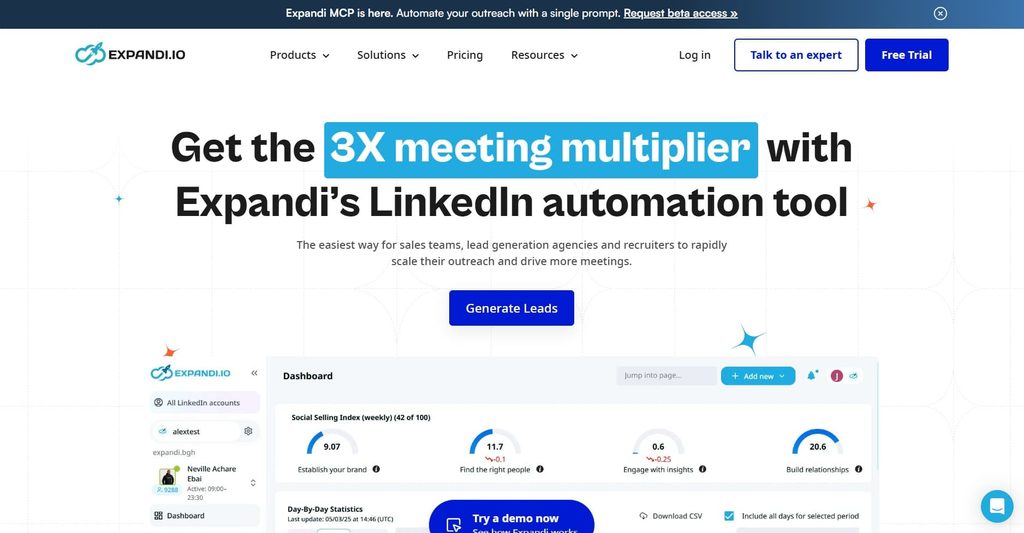
Expandi fits teams that don’t need another email-led enterprise platform, and want to focus on LinkedIn execution instead. It can replace a simple prospecting stack or complement working email sequences.
Campaign Builder and Smart Sequences branch activity according to prospect behavior. The cloud-based setup uses a dedicated country-based IP for each account, profile warm-up, working hours, and configurable daily limits. These controls don’t remove LinkedIn’s rules or the risk of third-party automation. Review the weekly invitation limit before setting volume.
Expandi Signals can feed profile visits, company-page visits, and post engagement into campaigns. Its H1 2026 analysis recorded 13.4% replies from profile-visitor campaigns and 14.21% from event-attendee campaigns. The H2 2026 report analyzed 13.2 million connection requests and 6.7 million messages, and found 28.5% acceptance and 10.4% replies.
Workspaces support multiple accounts, shared campaigns, permissions, reporting, and a consolidated inbox. Native CRM integrations cover HubSpot, Salesforce, and Pipedrive. The integrations page also lists API, Webhooks, Zapier, and Google Sheets. It doesn’t list a native Outreach or Salesloft connector, so confirm the handoff before combining platforms.
Where it falls short: Expandi isn’t a like-for-like enterprise revenue platform. It has no built-in contact database, dialer, conversation-intelligence suite, or forecasting layer.
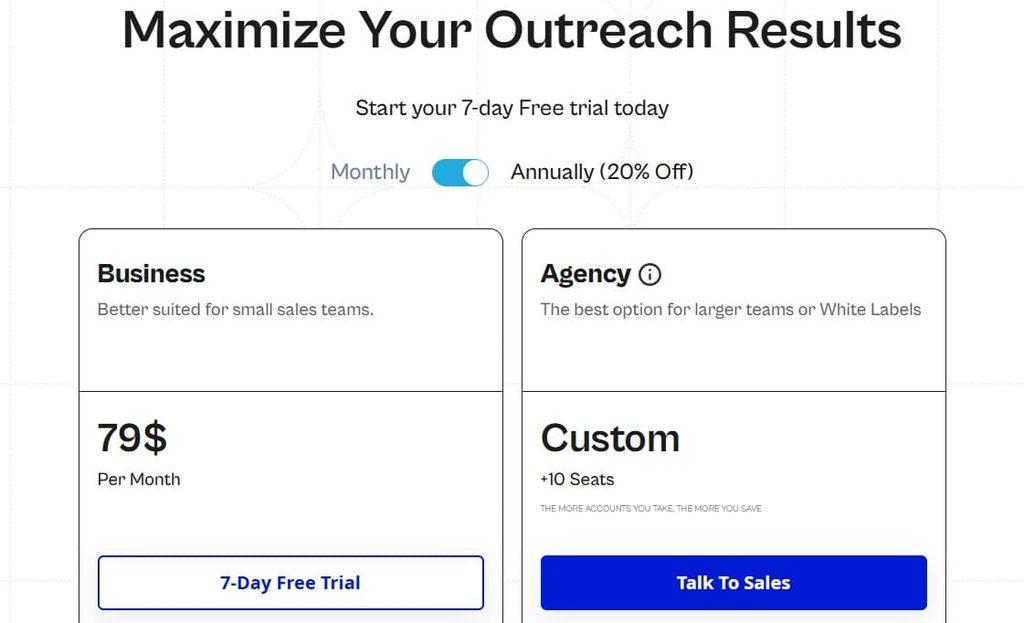
Pricing: Expandi costs $99 per user per month, or 20% less on annual billing, which is about $79 per month. There’s a 7-day trial, with custom pricing for teams of 10 or more.
Choose Expandi when LinkedIn execution is the priority. If your team still relies on Outreach for calling, forecasting, or conversation intelligence, use Expandi as a complementary channel, not a full replacement.
As Expandi co-founder and CEO Glenn Miseroy puts it:
“Technology should help teams be more relevant and more human at scale and not to just send more.”
2. Salesloft, for the closest enterprise equivalent
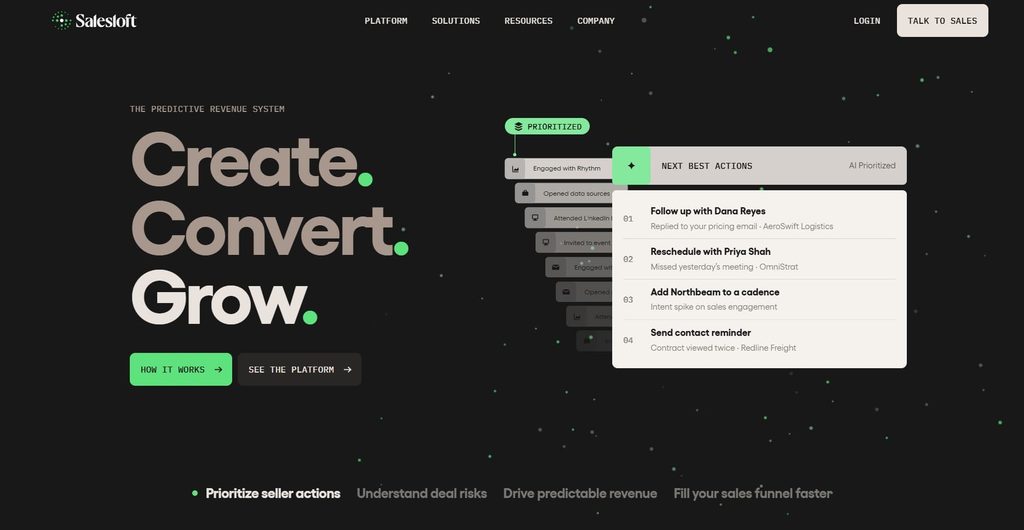
Salesloft is the closest general enterprise alternative. It covers cadences, email, calls, coaching, analytics, and revenue workflows.
The major 2026 consideration is corporate and product consolidation. Salesloft and Clari closed their merger on December 3, 2025, and the combined company now uses Salesloft as its go-forward brand. Clari Forecast retains its product name and Groove sits within the same company. Salesloft says integration is ongoing and existing workflows won’t change immediately.
The wider portfolio may appeal to teams that want engagement, forecasting, and conversation intelligence from one vendor. Ask which functions are integrated today, which need separate entitlements, how legacy contracts are treated at renewal, and what migration work is included.
The Clari combination gives Salesloft a wider revenue-data stack than what Outreach offers.
Where it falls short: It’s not the answer if your main objective is transparent self-serve pricing or a lightweight rollout. LinkedIn steps are typically task-led and not part of a dedicated LinkedIn execution engine.
Pricing: Salesloft doesn’t publish plan prices. Request a quote that separates licenses, onboarding, add-ons, and the exact products included. Our guide to Salesloft alternatives covers the surrounding shortlist in more detail.
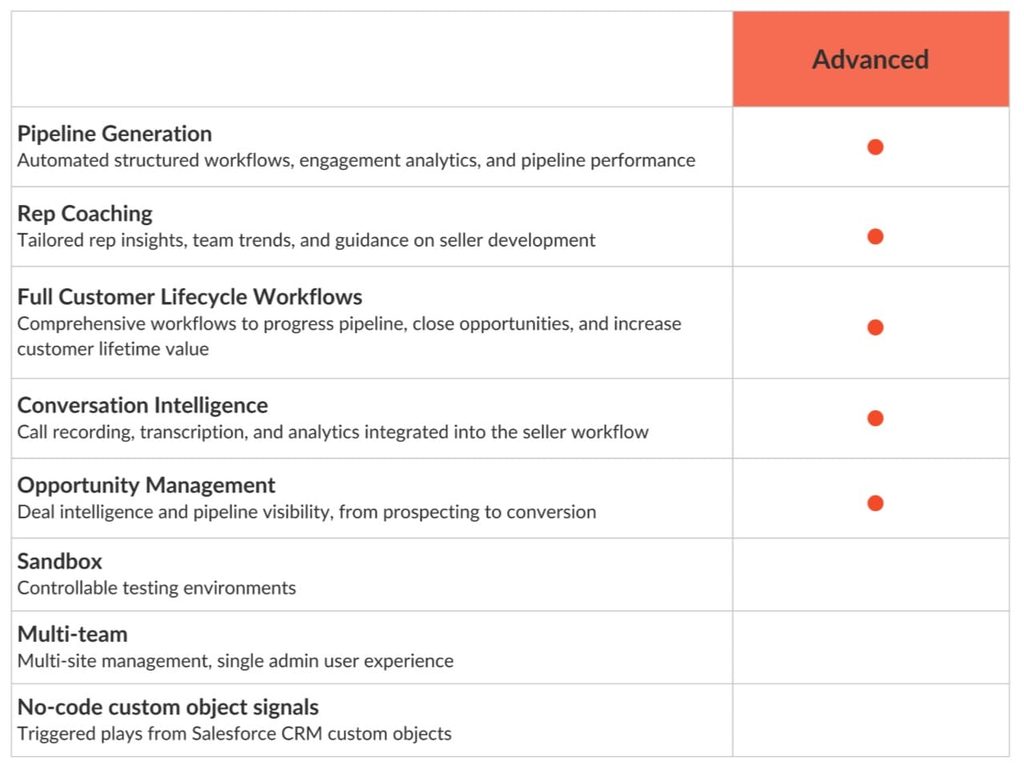
3. HubSpot Sales Hub, for teams already using HubSpot CRM
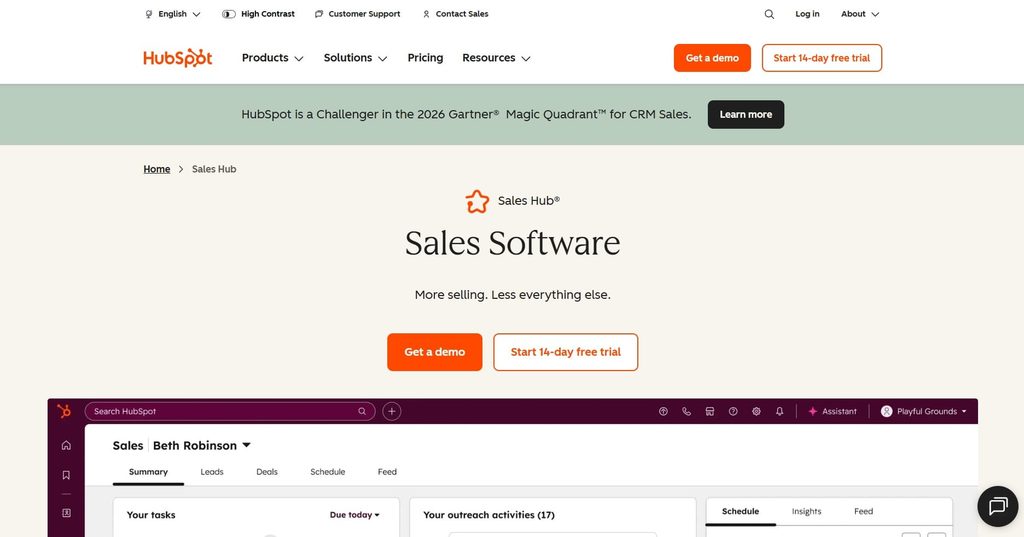
HubSpot Sales Hub caters to teams already using HubSpot that want to remove a separate engagement system. Sequences, pipeline, contacts, reporting, and marketing context share one data model.
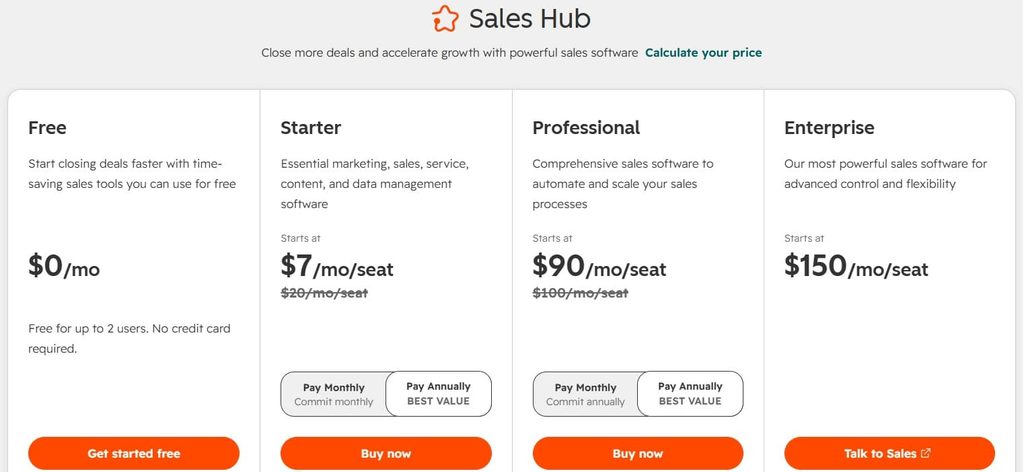
Sales Hub Professional includes sequences, calling, playbooks, forecasting, and sales automation. Sales Navigator tasks can sit in the workflow, but they remain different from automated LinkedIn execution.
The platform beats Outreach with its CRM continuity that reduces integration work, duplicate records, and context switching.
Where it falls short: The free and Starter tiers aren’t comparable substitutes because sequences begin at Professional. Teams with sophisticated governance, highly specialized rep workflows, or large-scale engagement operations may find Outreach or Salesloft deeper.
Pricing: Sales Hub Professional starts at $90 per seat per month when billed annually, with required onboarding currently listed at $1,500. Monthly billing is higher. HubSpot offers free tools, but make sure to evaluate Professional, not the free CRM, against Outreach.
4. Salesforce Sales Engagement, for Salesforce-native teams
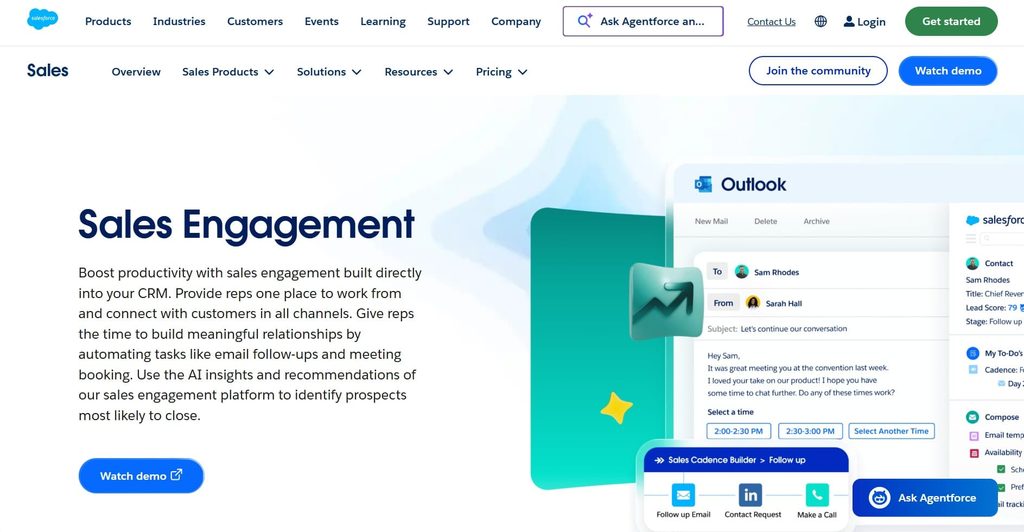
Salesforce Sales Engagement belongs on the shortlist when Salesforce already runs your sales operations. It adds cadences and seller productivity inside Sales Cloud.
The module, formerly called High Velocity Sales, includes Sales Cadences, email and call productivity, and activity capture. Wider AI functions sit under Agentforce Sales.
Salesforce Sales Engagement may outperform Outreach in terms of activities, ownership, permissions, and reporting, which stay close to the CRM record and this way reduce synchronization work.
Where it falls short: Salesforce is rarely “simple” by default. The organization still needs sound data architecture, admin capacity, and a clear view of which Agentforce or Sales Cloud editions include each capability. LinkedIn is not its specialist channel.
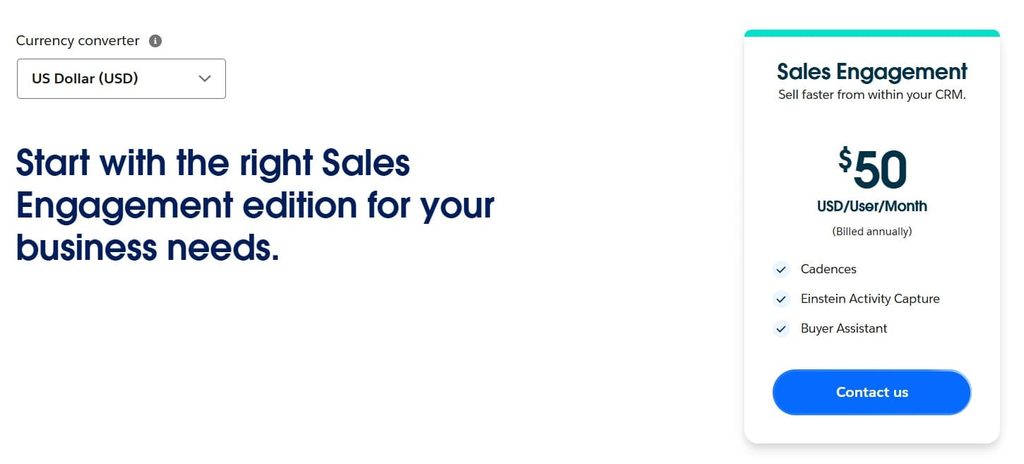
Pricing: Sales Engagement starts at $50 per user per month and is included in certain higher Salesforce editions. Salesforce offers a Sales Cloud trial, but its pricing page says the Sales Engagement add-on itself has no free trial. Ask for the combined Sales Cloud, Sales Engagement, telephony, and implementation cost.
5. Apollo.io, for teams paying separately for data and sequencing
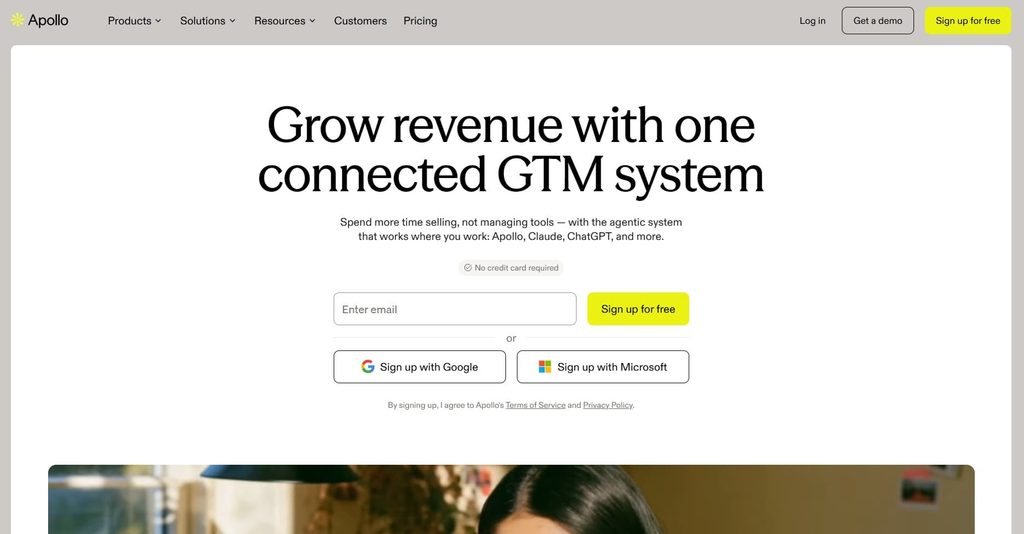
Apollo is for teams paying one vendor for contact data and another for execution. It combines a B2B database with enrichment, email sequences, a dialer, workflows, and LinkedIn tasks.
Apollo describes a database of more than 240 million contacts and 30 million companies, which shortens the path from list building to first touch for lean teams.
Its main strength against Outreach is the fact that data and execution share one product, with published entry pricing and a free plan for testing coverage.
Where it falls short: Data availability and accuracy vary by region and segment, so test a sample of your real ICP. Apollo’s credit model can also make the final cost less obvious than the seat price. Therefore, document which actions consume credits and how many your team will need. Larger organizations may still prefer Outreach’s governance and enterprise workflow depth.
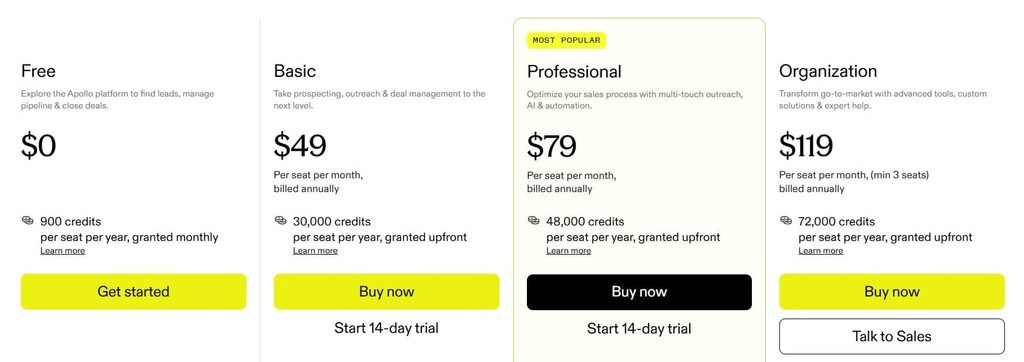
Pricing: Apollo Basic starts at $49 per user per month billed annually, Professional at $79, and Organization at $119 with a 3-seat minimum. Apollo offers a free plan and a 14-day trial of Basic or Professional.
6. Reply.io, for multi-channel sequencing on a smaller budget
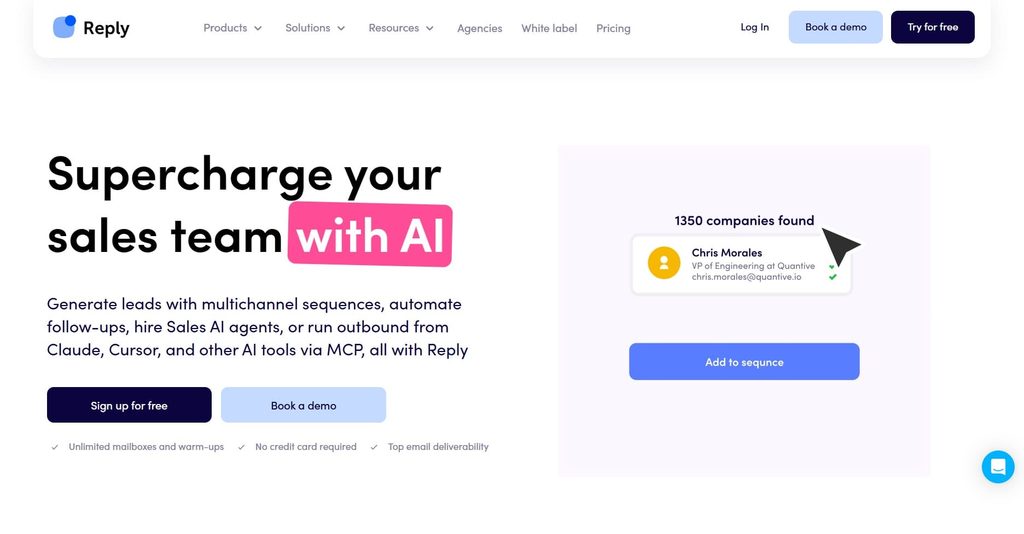
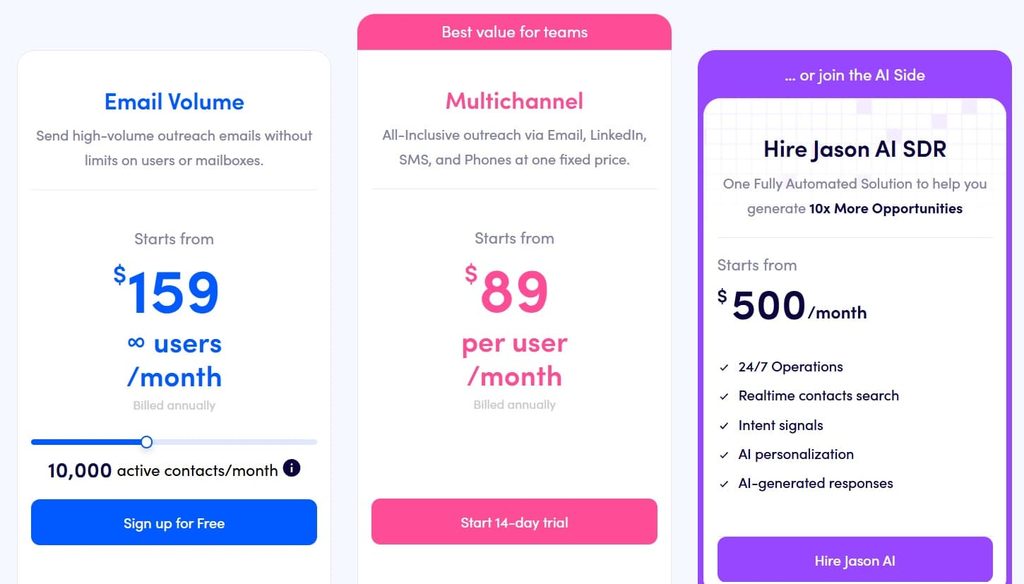
Reply.io fits mid-market teams that want email, calls, LinkedIn tasks, SMS, and WhatsApp in one lower-cost sequence.
Its Multichannel plan includes sequences, cloud calls, meeting booking, reporting, and channel steps.
Reply’s published pricing and a 14-day trial make the wider channel set easier to evaluate than Outreach.
Where it falls short: Enterprise administration, forecasting, governance, and conversation intelligence aren’t as deep as Outreach’s general platform. Some LinkedIn capability depends on the selected plan or add-on, so confirm exactly which actions are automated and which remain tasks.
Pricing: Reply’s Multichannel plan is $89 per user per month billed annually or $99 month to month. Its email-volume product starts at $59 per month, but LinkedIn functionality is a separate $69 add-on there. Compare the complete configuration and read beyond the cheapest card on the pricing page.
7. Gong Engage, for teams that lead with conversation intelligence
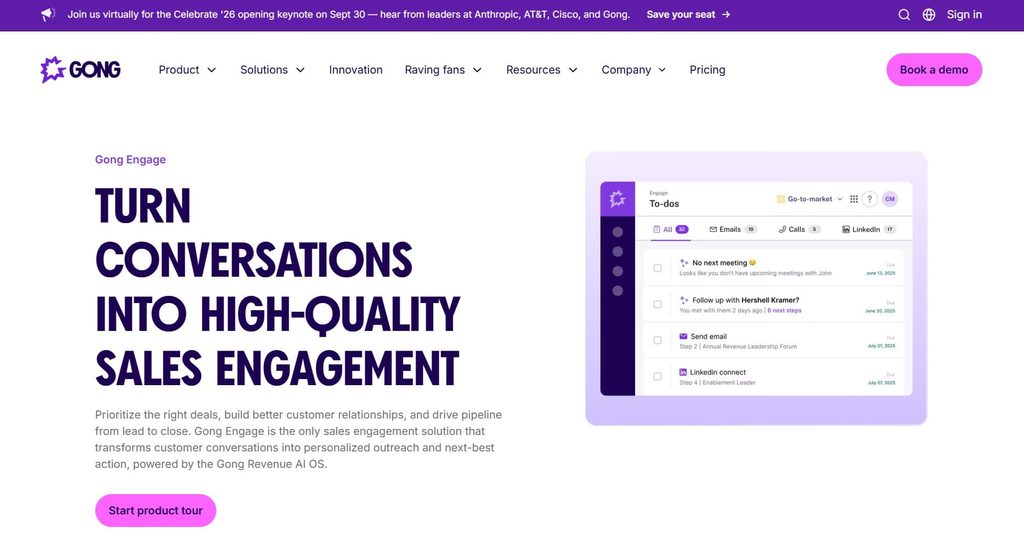
Gong Engage agrees with teams that want call and meeting intelligence to shape the next action. It uses Gong interaction data to inform prioritization and follow-up.
Flows can contain automated or manual email, calls, LinkedIn connection and message tasks, and other actions. LinkedIn steps rely on Sales Navigator and remain task-based. For an existing Gong customer, this can connect what prospects say with what reps do next.
Recorded conversations and deal activity give AEs more context after the first meeting than might be the case with Outreach.
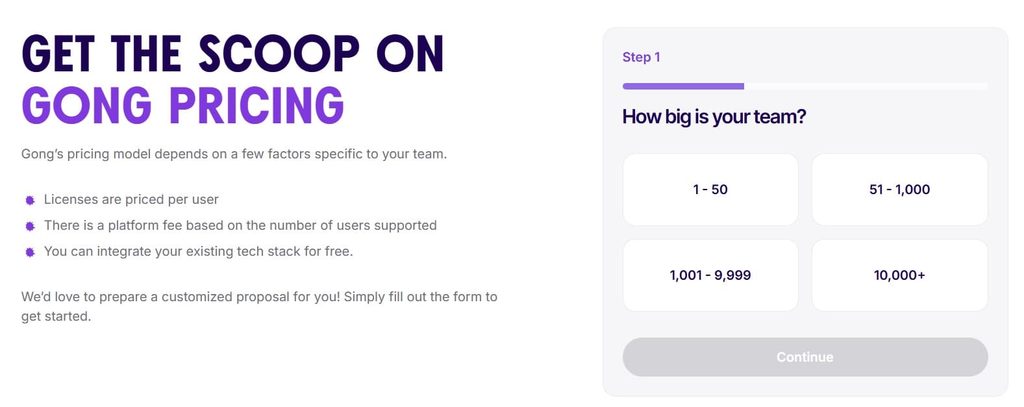
Where it falls short: Gong is an expensive route if the team only needs prospecting sequences. It doesn’t publish a standalone Engage price, and its help documentation places Engage within a plan that includes Gong’s core platform. This isn’t a clean self-serve swap for a small SDR team.
Pricing: Custom quote. Gong says pricing includes per-user licenses plus a platform fee based on the number of supported users. Ask which Core package and implementation services are required for Engage.
8. Lemlist, for small teams that win on personalization
Lemlist is appropriate for smaller teams that value tailored prospecting over enterprise administration. Multichannel Expert combines email, LinkedIn steps, a dialer, enrichment, and personalized content.
Unlike Outreach, it has published pricing, a short trial, personalization, and a lighter setup, which may suit hands-on teams better.
Where it falls short: Governance, forecasting, coaching, permission control, and enterprise analytics are lighter. Usage allowances and add-ons still count, so calculate them against expected volume. LinkedIn capability is not included in the lowest email-only plan.
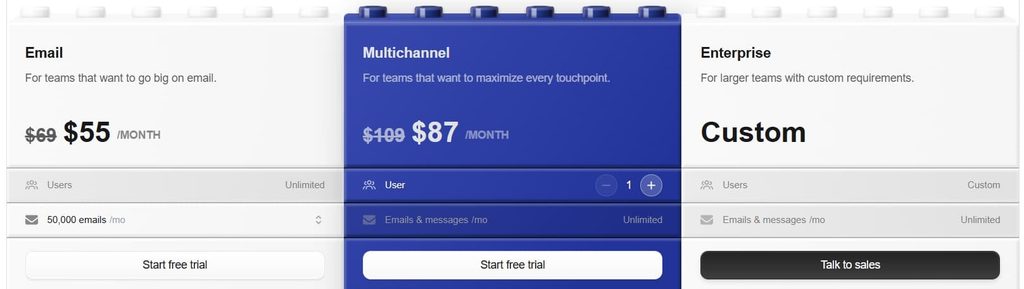
Pricing: Email Pro costs $55 per user per month billed annually or $69 monthly. The comparable Multichannel Expert plan costs $87 billed annually or $109 monthly, with a 14-day trial. Read our direct Expandi vs Lemlist comparison if LinkedIn is central to your decision.
9. Mixmax, for Gmail-based teams seeking something lightweight
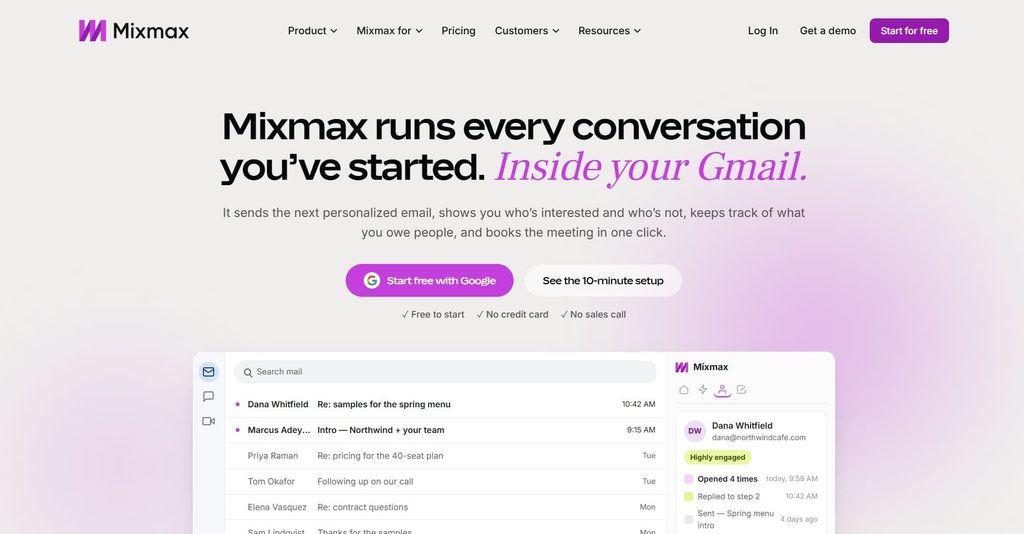
Mixmax is the lightweight choice for Google Workspace teams that want sequences and follow-up close to Gmail.
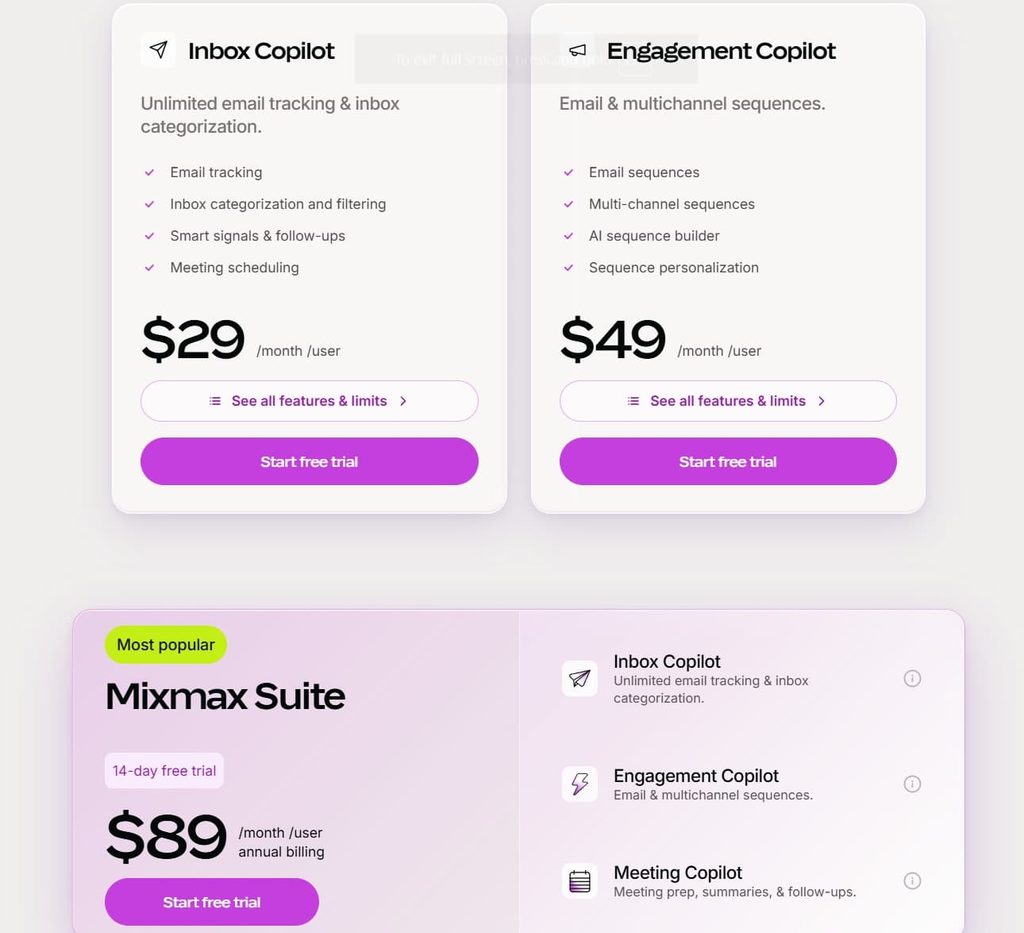
Engagement Copilot covers sequences and optimization. The more extensive Suite adds meeting and inbox tools. It accommodates small teams that need consistent follow-up more than a full revenue operating system.
Published pricing, a 14-day trial, and a Gmail-centered workflow reduce training friction, which makes them Mixmax’s primary advantages over Outreach.
Where it falls short: It’s less suitable for complex enterprise governance, extensive forecasting, or a multi-system RevOps architecture. Recipient allowances can affect cost at higher volume, and LinkedIn actions function as tasks rather than a specialist automation engine.
Pricing: Engagement Copilot starts at $49 per user per month billed annually; the full Suite is $89. Monthly prices are $65 and $105 respectively. The trial includes the Suite and rolls into a free plan if you don’t subscribe.
Bonus: Outplay
You also might want to consider Outplay as an option if your team is seeking a conventional multi-channel sales-engagement product. It didn’t make this shortlist because the nine tools above map more directly to the common reasons why teams leave Outreach.
Replace Outreach or add what it’s missing?
If Outreach still handles email reliably, adding LinkedIn can be cheaper and less disruptive than replacing the entire platform. The decision depends on whether your problem is the system or the channel mix.
Expandi’s H1 2026 report recorded a 10.3% LinkedIn direct-message reply rate. It compared that figure with a 5.1% cold-email reply rate reported by Belkins, but also noted that about 90% of outbound effort still went into email.
Those figures make a useful case for testing channel mix before undertaking a full migration. For more context, see our LinkedIn outreach benchmarks.
| If this describes your situation | Likely next move | Why |
|---|---|---|
| The contract costs more than the capabilities your team uses | Switch | A smaller platform may cover the working parts of your process at a lower cost |
| Reps and admins regularly work around Outreach | Switch | The platform no longer fits how the team works |
| Your CRM or another tool already covers the core workflow | Switch | Outreach may duplicate software you already pay for |
| Email workflows and reporting still serve the team, but replies have stalled | Add LinkedIn | You can test another channel without rebuilding the working parts of your stack |
| Your buyers are active on LinkedIn, but you want evidence before migrating | Add LinkedIn | Test one segment and compare reply and meeting rates first |
The combined setup still needs a clear system of record. Expandi doesn’t publicly list a native Outreach connector, so plan the handoff through your CRM or a confirmed API, webhook, or Zapier workflow. Test suppression and ownership rules before running both systems against the same contacts.
If you’re running an agency, the choice may be different. In Expandi’s published Provoke Agency case study, the agency reported growing to more than 50 recurring clients and almost $2 million in annual recurring revenue within two years while using Expandi’s agency features. That shows why account separation, shared oversight, reporting, and permissions are as important as sequence design.
How to switch from Outreach without losing pipeline
Plan the change around the contract notice date, then run a controlled overlap. A rushed transition risks lost context, duplicate touches, and reporting problems. Therefore:
- Check the contract first: Record the renewal date, notice period, data-export rights, and any service commitments. Don’t assume you can cancel mid-term.
- Inventory the workflow: List active sequences, templates, rules, integrations, mailboxes, phone numbers, permissions, dashboards, opt-outs, and ownership logic.
- Export what you’re entitled to keep: Preserve templates, performance history, prospect status, activity data, and suppression records before access changes.
- Map the CRM before importing: Define field names, owners, lifecycle stages, opt-out behavior, activity types, and the system of record. This is where most duplicate or missing data begins.
- Rebuild only what earned its place: Expandi’s H2 analysis found three-message LinkedIn sequences at a 9.8% reply rate, while sequences with five or more messages fell to 5.0%. That does not prove three steps will suit every channel, but it is a good reason not to copy bloated sequences by default.
- Start with a controlled cohort. Use a representative segment, preserve a holdout where possible, and compare replies, meetings, opportunities, opt-outs, and manual time.
- Run the systems in parallel briefly. Keep the overlap long enough to verify CRM sync, ownership, suppression, routing, and reports—but short enough to avoid permanent double administration.
- Cut over with a rollback plan. Name the decision owner, document the acceptance criteria, and retain exports until the new reporting has been reconciled.
If LinkedIn is part of the new motion, increase activity gradually and keep settings within the platform’s rules. Treat account warm-up as a controlled ramp, not permission to exceed limits.
How we evaluated these tools
We matched each product to a reason for leaving Outreach, then checked official product, pricing, support, and company pages on September 28, 2026. We compared channels, CRM fit, administration, pricing transparency, intelligence, and switching risk. G2 figures were checked that day. Unpublished prices are marked custom.
Disclosure: We make Expandi. That gives us direct product knowledge, but it also gives us an obvious commercial interest. We have therefore stated where Expandi isn’t a replacement for Outreach and used vendor sources for competitor facts. Prices and packages can change, so verify the final quote and contract before buying.
Which Outreach alternative should you shortlist?
Choose from the problem you’re looking to solve. Salesloft is the closest enterprise comparison. HubSpot or Salesforce may remove a tool when the CRM anchors the process. Apollo addresses data cost. Reply.io, Lemlist, and Mixmax offer narrower execution layers. Gong Engage brings conversation data into follow-up.
If buyers respond on LinkedIn and you don’t need Outreach’s dialer, forecasting, or conversation-intelligence layer, then start a 7-day Expandi trial. Teams evaluating 10 or more seats can book a product consultation to map the required workflow before migration.
Whatever you choose, judge it against your complete lead generation process: audience, timing, message, channel, handoff, and measurement. A different platform can’t repair an undefined motion.
FAQs about Outreach.io alternatives
Apollo offers a free plan, and HubSpot provides free CRM and sales tools. Neither free tier reproduces the full Outreach platform. Use them to test data coverage or basic workflow, then price the plan that includes the sequences, permissions, reporting, and usage your team needs.
That depends on your order form and master agreement. Check the subscription term, renewal notice, termination clauses, and any committed fees. If the contract is material, have procurement or legal review it.
There’s no reliable public yes-or-no answer because both vendors use custom quotes. Compare the same seat types, products, onboarding, support, AI or usage allowances, and contract terms. The Salesloft-Clari merger also makes it important to confirm which products are included now and which may change during the term.
Outreach supports LinkedIn steps in sequences, including profile views, post interactions, messages, and connection requests. Its current documentation describes these as tasks that reps complete, with Sales Navigator information available inside Outreach for eligible licenses. That is different from a specialist LinkedIn tool executing configured actions.
Look for separate workspaces, client permissions, consolidated oversight, shared campaigns, reporting, and safe account-level settings. Expandi is designed for this model; enterprise platforms may also support it, but confirm how they separate data and billing between clients.
There is no fixed duration. A small team with a few sequences may move in weeks. A large organization with custom CRM objects, governance rules, multiple regions, dialers, and historical reporting can take months. Scope the dependencies before choosing a transition date, and allow time for parallel validation.



You’ve made it all the way down here, take the final step