13 Best Sales Engagement Tools for 2026: Tested & Compared

Key Takeaways
Sales engagement tools automate outreach across email, phone, LinkedIn, and SMS so reps spend less time on repeat sends and more on live conversations. In 2026, the category splits into three camps: LinkedIn-first (Expandi, lemlist), cold-email-first (Instantly, Woodpecker, Hunter), and multichannel enterprise (Salesloft, Outreach, Apollo). Match the tool to your primary channel and your buying committee, not the marketing headline.
What are the best sales engagement tools right now?


Choosing a sales engagement platform sounds simple enough. Until you start comparing them.
One promises to turn your cold email into a pipeline machine. Another puts a dialer at the centre of your outbound strategy. Others, like Expandi, take a different approach, helping teams use buyer signals to find the right people and start conversations when there’s a reason to reach out.
So, which one is actually worth your money?
That depends on how your team sells, where your prospects are most active, and what it takes to turn a first touch into a real conversation. The best platform isn’t necessarily the one with the longest feature list. It’s the one that fits the way your team builds pipeline.
To help you narrow it down, we’ve compared 13 sales engagement tools worth shortlisting in 2026. For each one, you’ll find its best-fit use case, current G2 rating, standout features, starting price, and the trade-offs to consider before committing. We verified pricing against vendors’ own websites in September 2026, but it’s worth checking the latest figures before you buy.
How we chose the 13 sales engagement tools on this list
We looked at sales engagement platforms that help teams turn outbound activity into actual conversations and pipeline. Our comparison focused on the following:
- Each tool’s core strengths
- Supported outreach channels
- Automation capabilities
- Ease of use
- Integrations
- Customer reviews
- Pricing
We also considered who each platform is best suited to, from teams building their outbound strategy around LinkedIn to those relying on webinars, cold calling, or a combination of channels. The goal wasn’t to find one tool that does everything best, but to identify where each platform stands out, where it falls short, and which teams are most likely to get value from it. We checked pricing against vendor websites in October 2026 and used G2 ratings as a comparative reference point.
Sales engagement tools at a glance
| Tool | Best for | G2 rating (reviews) | Primary channels | Starting price |
|---|---|---|---|---|
| Expandi | LinkedIn-first outbound | 4.2 (120+) | LinkedIn + email | $79/mo annual · $99/mo monthly |
| Reply.io | Multichannel SDR teams | 4.6 (1,500+) | Email, LinkedIn, calls, SMS, WhatsApp | $89/user/mo |
| lemlist | Personalized cold outreach | 4.6 (1,800+) | Email, LinkedIn, WhatsApp | $79/user/mo |
| Hunter.io | Finding and verifying emails | 4.4 (540+) | $34/mo | |
| Apollo.io | Data plus sequencing in one | 4.7 (9,600+) | Email, calls, LinkedIn | $49/user/mo |
| HeyStream | Webinar-led pipeline | Webinars | $49/mo (billed annually) | |
| Klenty | Structured multi-channel cadences | 4.6 (380+) | Email, calls, LinkedIn | $50/user/mo |
| Woodpecker | Cold email with per-slot pricing | 4.6 (200+) | $29/slot/mo | |
| Salesloft | Mid-market to enterprise engagement | 4.5 (4,200+) | Email, calls, SMS, LinkedIn | Contact sales |
| Outreach | Enterprise revenue orchestration | 4.3 (3,500+) | Email, calls, LinkedIn | Contact sales |
| Close | Inside sales with built-in calling | 4.7 (2,000+) | Calls, email, SMS | $19/user/mo |
| HubSpot Sales Hub | Teams already on HubSpot CRM | 4.4 (12,000+) | Email, calls, LinkedIn | $9/seat/mo |
| Pipedrive | Visual pipeline management | 4.3 (2,900+) | Email, calls | $14/user/mo |
Disclaimer: Ratings and pricing verified September 2026. See individual entries below for full details and trade-offs.
Comparing the best sales engagement tools for sales teams & marketers
1. Expandi
BEST FOR
LinkedIn-first outbound teams and lead generation agencies running multiple accounts.
G2: 4.2/5 (120+ reviews) · Capterra: 4.4/5
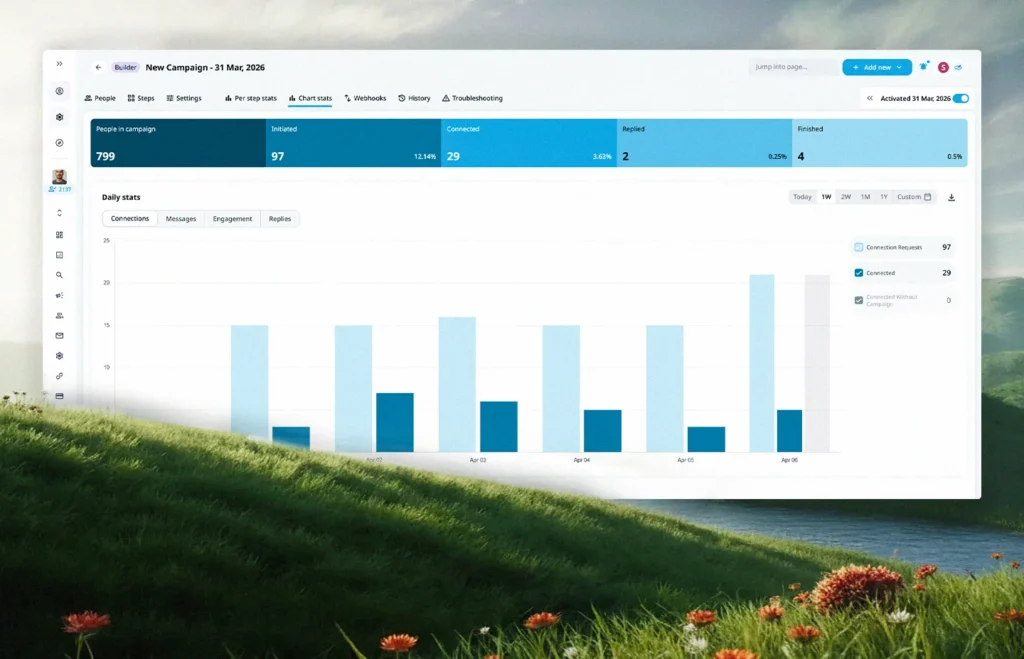
Expandi is a cloud-based LinkedIn outreach automation tool built for teams that treat LinkedIn as their primary sales channel.
You can build Smart Sequences that combine 10 actions and 10 conditions in a single flow, so outreach branches based on how a prospect actually behaves: accepts a connection, replies, views your profile, engages with a post. That branching logic is the piece most template-locked tools cannot match.
Two features separate Expandi from the wider field.
- Signals turns real LinkedIn activity into an outreach trigger: profile views, post engagement, company page visits, event attendance. Your team reaches out when a prospect has already shown interest, not on a static calendar.
- Workspaces lets an agency or multi-account team manage every LinkedIn account, campaign, and inbox from one dashboard with role-based permissions. Email steps sit alongside LinkedIn actions in the same sequence, so a campaign can hand off between channels without switching tools.
Expandi’s H2 2026 State of LinkedIn Outreach report drew on 13.2 million connection requests and 6.7 million outbound messages across 13,302 active accounts, benchmarking platform-wide acceptance at 28.5% and message reply rate at 10.4%.
Houston Golden, founder of the LinkedIn marketing agency Bamf, has publicly called it the safest and most effective LinkedIn tool his team has tested.
Key features:
- Smart Sequences with 10 actions and 10 conditions, plus conditional branching
- Signals-based outreach triggered by real LinkedIn activity
- Workspaces for multi-account and agency team management
- Dedicated country-based IP per LinkedIn account
- Email outreach steps and native CRM integrations
Pros:
- Deepest LinkedIn-specific automation on the market.
- Branching logic scales cleanly for teams running five or more accounts.
- Strong compliance track record thanks to cloud execution with dedicated IPs.
Cons:
- Per-account pricing scales linearly with headcount, with no volume discount until the 10-seat Agency plan.
- Smart Sequences have a real learning curve.
Pricing: $79/mo per seat billed annually, or $99/mo billed monthly. Agency plan for 10+ seats is custom-priced. 7-day free trial available.
Read more: 9 GTM tools your strategy needs in 2026
2. Reply.io
Best for: SDR teams running multichannel outbound. G2: 4.6/5 (1,500+ reviews)
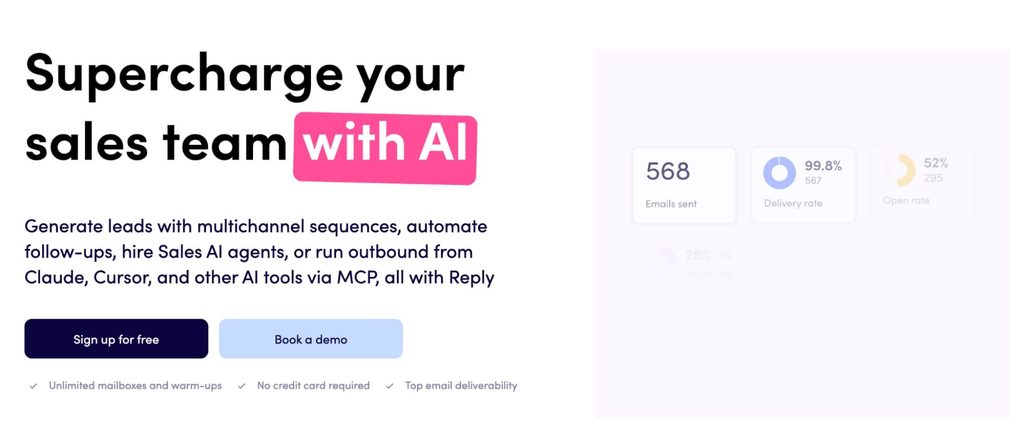
Reply.io brings email, calls, LinkedIn, SMS, and WhatsApp into a single workflow so reps can engage prospects consistently across channels without juggling tabs. Its AI Variables handle personalization at row level, and Jason AI runs autonomous SDR-style prospecting if you want an agentic layer on top.
Reply.io fits teams whose pipeline depends on high-volume outbound that still feels personal, and its LinkedIn integration is more reliable than most because it doesn’t require a browser tab left open in the background.
Key features:
- Multichannel outreach across email, calls, SMS, LinkedIn, and WhatsApp
- AI Variables and Jason AI for personalization and autonomous prospecting
- Native CRM integrations with Salesforce, HubSpot, and Pipedrive
- Deliverability tools and email warmup
Pros: One of the most complete multichannel platforms for SDR teams; strong AI layer; consistent LinkedIn execution.
Cons: Per-seat pricing gets expensive fast at team size; email-only teams can find cheaper options.
Pricing: Email-only from $49/user/mo; Multichannel from $89/user/mo.
3. lemlist
Best for: Creative cold outreach with heavy personalization. G2: 4.6/5 (1,800+ reviews)
lemlist is built for founders, growth teams, and SDRs who want cold outreach that stands out visually. Its personalization layer (dynamic text, custom images, embedded videos, and Liquid syntax) is more flexible than most competitors, and multichannel sequences let you weave email, LinkedIn, and WhatsApp into one flow.
lemlist also runs a lead database with ~450M contacts, so you can prospect and outreach from the same platform.
Key features:
- Advanced personalization (spintax, AI variables, custom images and videos)
- Multichannel sequences across email, LinkedIn, and WhatsApp
- Built-in email warmup and deliverability suite
- Lead database with enrichment
Pros: Best-in-class cold email personalization; visual outreach genuinely lifts reply rates in crowded inboxes; strong community and content.
Cons: LinkedIn steps run through a Chrome extension, which breaks if the browser closes; support response times have been a recurring complaint.
Pricing: From $59/mo (Starter) or $79/user/mo (Multichannel).
4. Hunter.io
Best for: Finding and verifying email addresses. G2: 4.4/5 (540+ reviews) · Capterra: 4.6/5
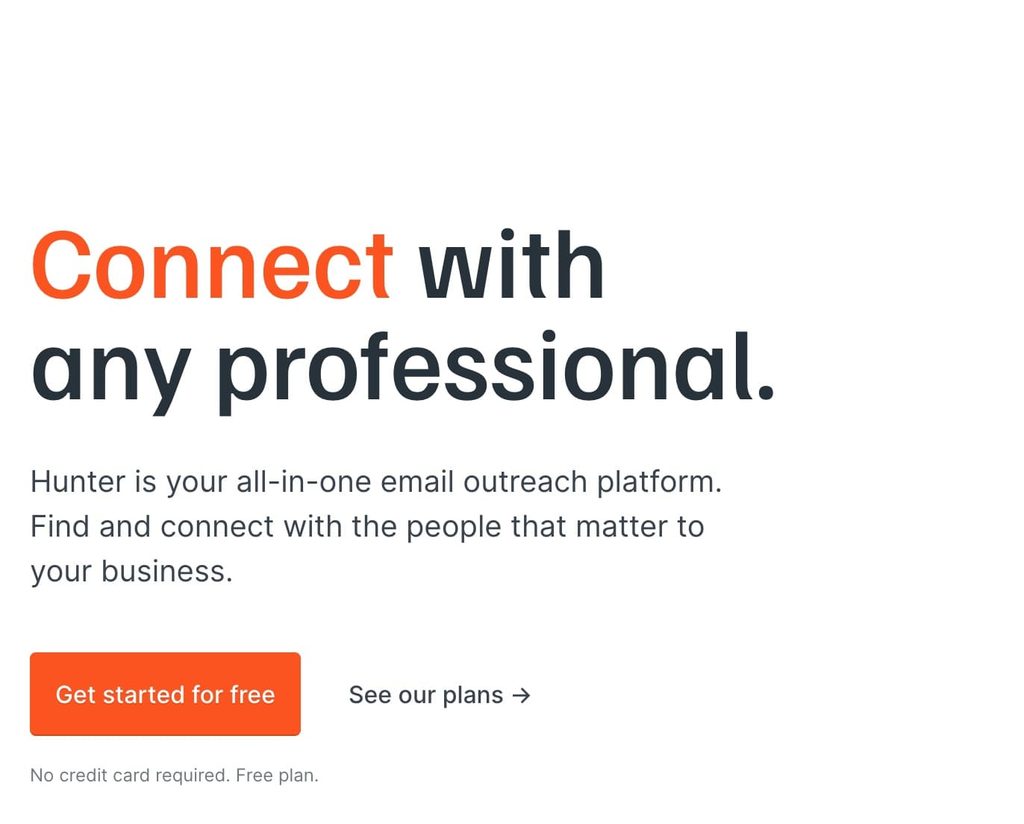
Hunter.io is a data enrichment and email discovery tool with basic outreach layered on top. If your primary need is finding professional email addresses for a target account list, Hunter is one of the fastest ways to do it.
It also runs sequence campaigns with follow-ups and tracking, though the outreach features are lighter than a dedicated engagement platform.
Key features:
- Email finder and verifier
- Domain search for contacts at a specific company
- Sequence campaign manager with AI writing assistance
- CRM integrations and API access
Pros: Best-in-class email discovery; generous free tier; bootstrapped and profitable, so the roadmap doesn’t chase investor stories.
Cons: Outreach features are basic (no A/B testing, no built-in warmup); can get expensive as monthly search volume climbs.
Pricing: Free plan available; paid plans from $34/mo.
5. Apollo.io
Best for: Teams that want data, sequencing, and dialer in one tool. G2: 4.7/5 (9,600+ reviews) · Capterra: 4.5/5
Apollo consolidates a 210M+ contact database, sequences, a dialer, and CRM-adjacent workflows into a single platform. For small and mid-market teams looking to replace two or three separate tools, the consolidation math is compelling.
Apollo shipped an unusually fast roadmap through 2025 and 2026: email warmup, agentic AI, parallel dialer, and expanded technographics all landed in this window.
Key features:
- 210M+ contact database with 65+ filters
- Email sequences, calls, and LinkedIn tasks in one workflow
- Built-in dialer with call recording and coaching features
- Chrome extension for prospecting inside LinkedIn and Gmail
Pros: Strong all-in-one value for SMB and mid-market; database coverage in US markets is competitive with dedicated data vendors; freemium tier is genuinely usable.
Cons: Data accuracy drops in EMEA and APAC; credit-based pricing can feel opaque; Trustpilot reviews (2.9/5) flag billing disputes that G2 (4.7/5) does not surface.
Pricing: Free plan available; Basic $49/user/mo, Professional $79/user/mo, Organization $119/user/mo (annual billing).
6. HeyStream
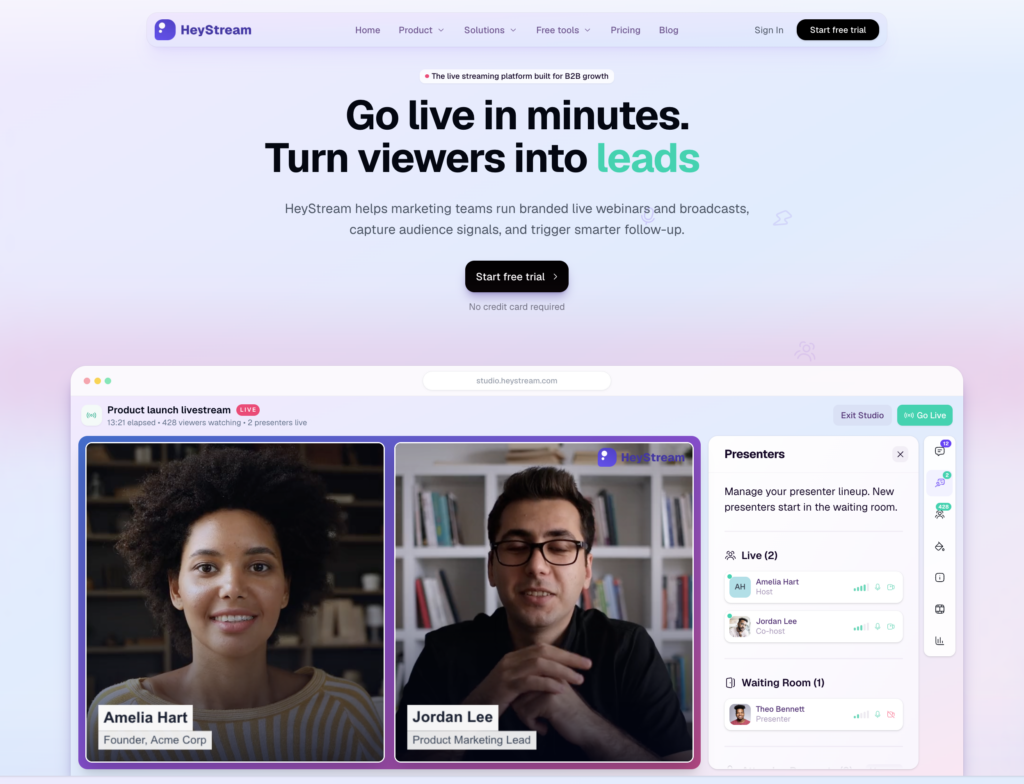
Best for: B2B teams that use webinars and live demos to start sales conversations.
HeyStream is a live streaming and webinar platform built for B2B marketing teams. It earns a spot here because a webinar is one of the few places a prospect spends 30 minutes with you before sales ever reaches out, and HeyStream records what they did with that time.
Each registrant gets a record in a built-in audience CRM: whether they attended live or watched the replay, how long they stayed, what they asked, and which call to action they clicked.
Want to keep the conversation going? On the Growth plan, you can set up behavior-based follow-up automations, so an attendee who clicked the demo CTA and a no-show get different next steps.
Key features:
- Branded registration and watch pages
- Live and replay calls to action
- Built-in audience CRM with engagement history
- Audience and webinar analytics by topic, CTA and replay moment
- Behavior-based follow-up automation
Pros:
- Turns webinar attendance into context a rep can use
- CRM, CTAs and follow-up live in one product
- Integrations with popular CRMs, Slack & Stripe
- Public pricing
Cons:
- Not an outbound tool per se, so to run LinkedIn outreach or cold email outreach, you’ll need to connect to an outbound tool
- Plans are sized by live attendees per broadcast, so large audiences push you up a tier.
Pricing: Launch $49/mo (100 live attendees per broadcast); Growth $149/mo. Free trial available. All plans billed annually.
7. Klenty
Best for: Mid-size sales teams running structured multi-channel cadences. G2: 4.6/5 (380+ reviews)
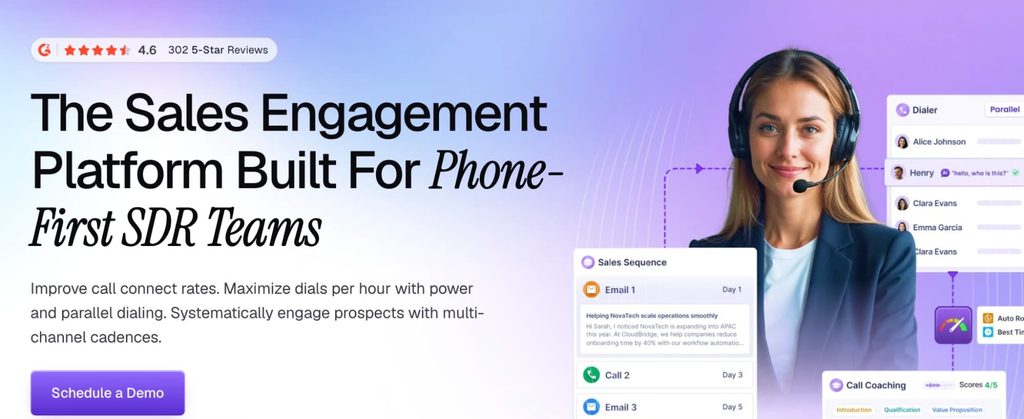
Klenty helps teams automate email, calls, and LinkedIn tasks in a single cadence so reps don’t lose track of touchpoints. Its personalization layer supports dynamic fields and behavior-based triggers, and its CRM sync (Salesforce, HubSpot, Pipedrive, Zoho) is two-way and comprehensive.
Klenty added an agentic AI layer for cadence generation in 2025, which is useful if your team runs several ICP variants.
Key features:
- Multi-channel cadences across email, calls, and LinkedIn
- Two-way CRM sync with Salesforce, HubSpot, Pipedrive, Zoho
- Agentic AI for cadence generation
- Collision detection to prevent reps from double-touching the same prospect
Pros: Strong CRM integrations; per-seat model is straightforward; API docs are well-regarded.
Cons: Per-seat pricing compounds fast on larger teams; no built-in contact database; some users report significant price hikes on renewal.
Pricing: From $50/user/mo (Starter).
8. Woodpecker
Best for: Small teams and agencies running cold email with per-slot pricing. G2: 4.6/5 (200+ reviews)
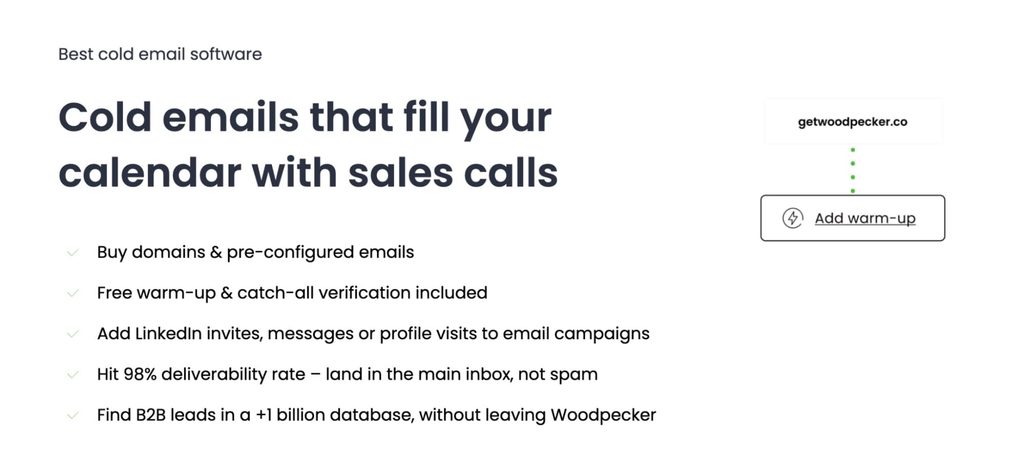
Woodpecker is a cold-email specialist that broadened in 2026 to include LinkedIn as a paid add-on. Its per-slot pricing model is friendlier to agencies than most, because a slot represents a client campaign rather than a seat.
Deliverability infrastructure is solid: adaptive sending, inbox rotation, and warmup are now included in the base plan rather than sold as add-ons.
Key features:
- Email verification built in
- Email warmup and adaptive sending
- Inbox rotation across multiple sending accounts
- Agency client panel and white-label options
Pros: Per-slot pricing scales better for agencies than per-seat models; clean UI; deliverability features are now bundled.
Cons: Integrations and LinkedIn automation are paid add-ons that stack up; lead database is limited; feature depth trails the multichannel enterprise tools.
Pricing: From $29/slot/mo. Integrations add $20/mo; LinkedIn automation adds $29/mo per connected account.
9. Salesloft
Best for: Mid-market and enterprise sales teams that need coaching and conversation intelligence alongside engagement. G2: 4.5/5 (4,200+ reviews)
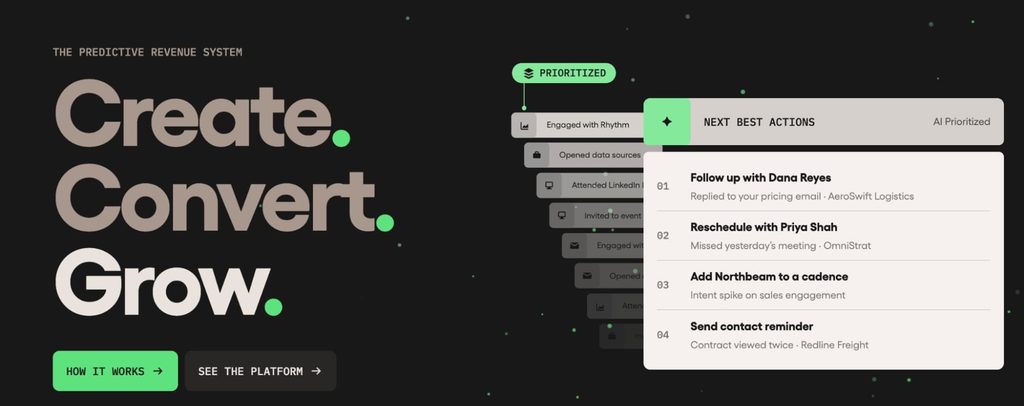
Salesloft is a full sales engagement platform with strong conversation intelligence built in. Multichannel Cadences let reps run email, calls, SMS, and LinkedIn tasks in one coordinated sequence, and the analytics layer surfaces which touches actually move deals.
Onboarding is faster than Outreach — most teams reach full productivity within weeks — and the UI is consistently rated more approachable.
Key features:
- Multichannel Cadences across email, calls, SMS, LinkedIn
- Conversation intelligence with real-time coaching
- Deal forecasting and pipeline analytics
- Native CRM integrations with Salesforce and HubSpot
Pros: Best-in-class conversation intelligence; more approachable UI than Outreach; strong support experience at mid-market.
Cons: Enterprise pricing; steepest ROI for teams with a dedicated RevOps function; smaller accounts report weaker support attention than enterprise accounts.
Pricing: Contact sales for a quote.
10. Outreach
Best for: Large enterprise sales teams that need deep workflow customization and revenue orchestration. G2: 4.3/5 (3,500+ reviews)
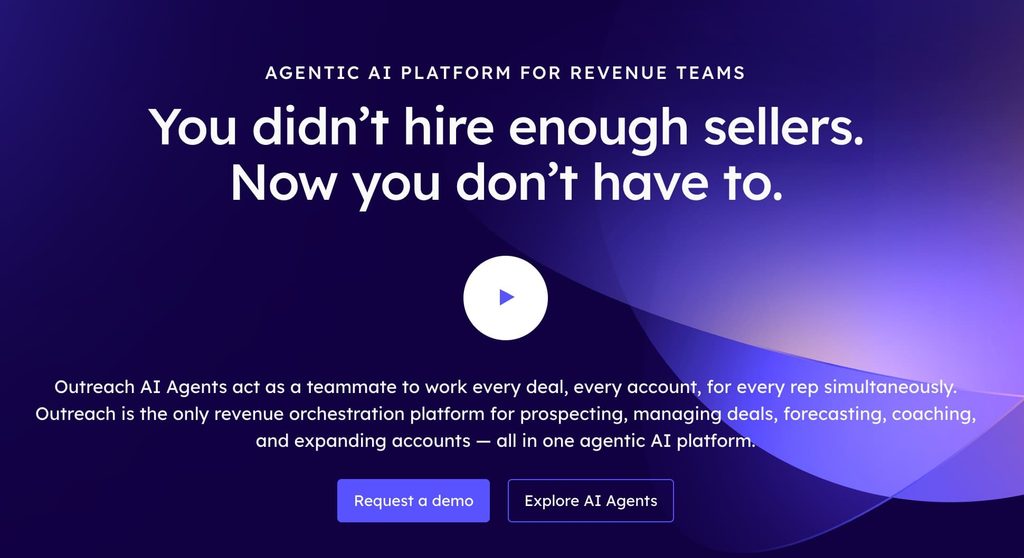
Outreach is an enterprise-grade sales engagement and revenue orchestration platform. Its sequence engine handles complex, multi-channel outreach across email, calls, and LinkedIn, and its revenue intelligence layer connects sales execution to forecasting and deal risk analysis.
Salesforce integration is the deepest of any tool on this list, which is why enterprise sales orgs standardized on Salesforce tend to choose Outreach over Salesloft.
Key features:
- Multichannel sales engagement across email, calls, LinkedIn
- Automated sequence and follow-up workflows
- Sales forecasting and deal risk analytics
- Deepest Salesforce integration in the category
Pros: Feature depth is unmatched at the enterprise end; forecasting and revenue orchestration go well beyond activity tracking.
Cons: Steepest learning curve on this list; needs a dedicated admin or RevOps function to run well; overkill for teams under ~50 reps.
Pricing: Contact sales for a quote.
11. Close
Best for: Inside sales teams that live on the phone. G2: 4.7/5 (2,000+ reviews)
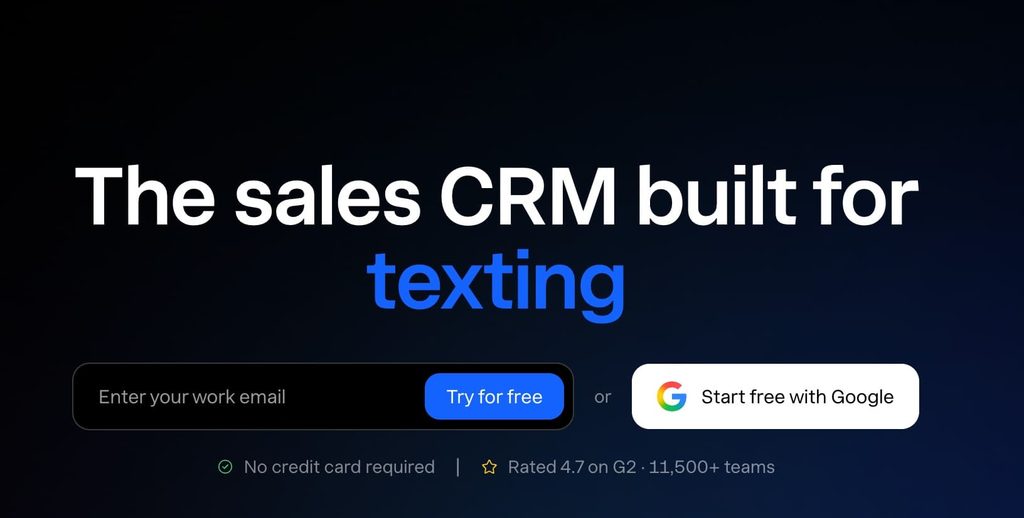
Close packages email, SMS, calls (with a built-in dialer and call recording), and a lightweight CRM into a single workspace. If your reps live on the phone, Close removes the tab-switching between a dialer, an email tool, and a CRM.
It also functions as a full CRM, so smaller teams can run their whole pipeline in one place instead of stacking LinkedIn CRM tools alongside a separate engagement layer.
Key features:
- Built-in dialer with call recording and coaching
- Email sync with automatic activity logging
- Visual sales pipeline and deal tracking
- Workflow automation
Pros: Best-in-class phone-first workflow; consolidates dialer, CRM, and email in one bill; strong small business fit.
Cons: Less depth than dedicated engagement platforms for teams that don’t rely on outbound calling; reporting is functional rather than powerful.
Pricing: Startup from $19/user/mo; Professional $49/user/mo; Enterprise $89/user/mo (annual billing).
12. HubSpot Sales Hub
Best for: Teams already running HubSpot CRM. G2: 4.4/5 (12,000+ reviews) · Capterra: 4.5/5 (4,400+ reviews)
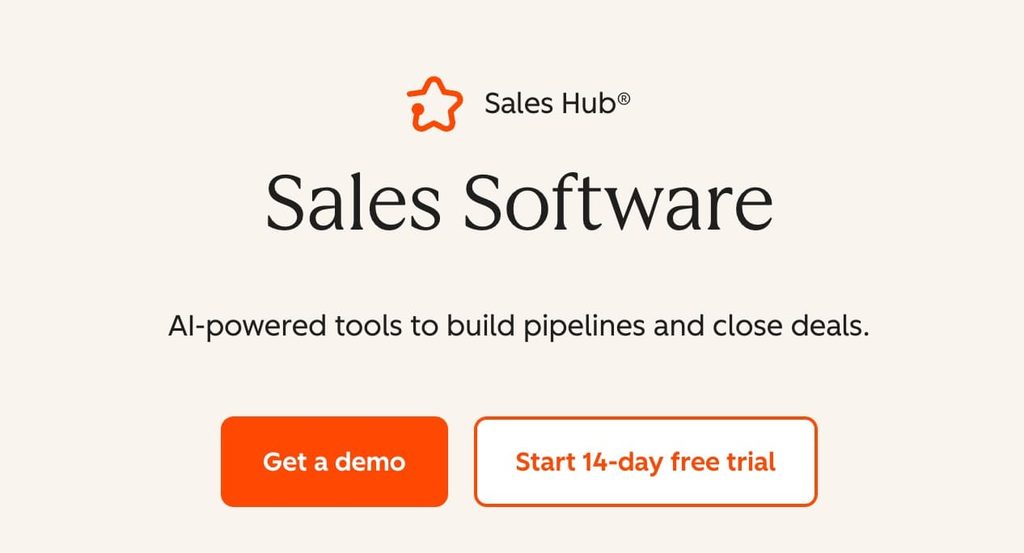
If your team already runs HubSpot as your CRM, Sales Hub adds sequences, meeting scheduling, deal forecasting, and AI-powered prospecting without the pain of a separate integration.
The unified data model is the real win: contact records, engagement history, and pipeline data all live in one place.
The trade-off is that HubSpot’s sequence builder is lighter than dedicated tools like Outreach or Salesloft, so sales-led enterprises often keep HubSpot for CRM and layer a dedicated engagement platform on top.
Key features:
- Email tracking, sequences, and follow-up automation
- Meeting scheduler that logs directly to contact records
- Deal forecasting and pipeline analytics on Professional and above
- Unified data with HubSpot Marketing Hub and Service Hub
Pros: Easiest onboarding of any tool on this list — average implementation of 36 days versus Salesforce’s 17-plus weeks; strong meeting scheduler; free entry tier lowers the trial bar.
Cons: Sequence builder is lighter than Outreach or Salesloft; Professional adds a mandatory $1,500 onboarding fee in year one; costs scale fast if you add other Hubs.
Pricing: Free plan available; Starter $9/seat/mo; Professional $90/seat/mo.
13. Pipedrive
Best for: Small sales teams that want a visual pipeline first. G2: 4.3/5 (2,900+ reviews)
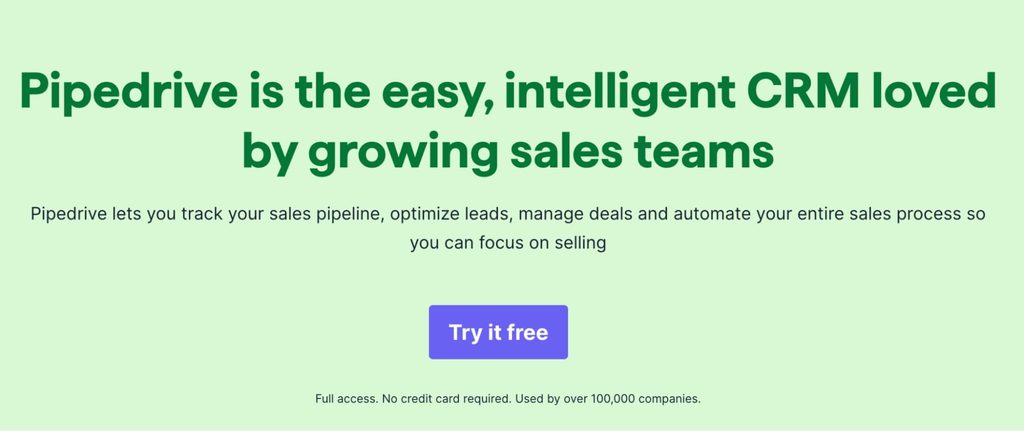
Pipedrive is primarily a CRM, but it earns a spot in this comparison because its sales engagement features (email templates, segmented sends, workflow automation) cover what smaller teams actually use day-to-day.
The drag-and-drop kanban pipeline is the fastest-to-learn interface of any CRM tested, which matters when adoption is the limiting factor on ROI.
Key features:
- Visual drag-and-drop pipeline
- Email builder, segmentation, and analytics
- Workflow automation on Growth and above
- 500+ marketplace integrations
Pros: Fastest onboarding; strong visual pipeline UX; broad integration ecosystem.
Cons: Email marketing, lead generation, and web visitor tracking are all paid add-ons; no native calling.
Pricing: Lite $14/user/mo; Growth $34/user/mo; Premium $64/user/mo (annual billing).
What are sales engagement tools?
Sales engagement tools are software platforms that help sales teams reach potential customers across multiple channels (email, phone, LinkedIn, SMS) from a single workflow. They serve as a central system for planning, executing, and tracking outreach, so reps can nurture prospects consistently without switching between five different apps.
The category overlaps with CRMs and marketing automation, but the focus is different. A CRM stores customer records and manages pipeline.
A marketing automation platform runs nurture campaigns for known contacts. A sales engagement tool sits in the middle, handling the day-to-day outreach and conversations that turn leads into meetings.
Why sales engagement tools earn their spot in a modern stack
According to McKinsey, B2B buyers now use ten or more channels to interact with suppliers. Meeting them consistently across all of those channels manually isn’t a scaling problem, but a task completion one. Sales engagement tools solve three concrete things.
They automate the repetitive work that doesn’t need a human. Logging interactions, scheduling follow-ups, sending templated first-touches. These take reps out of the pipeline for hours a week when done manually. A sequence handles them in seconds and frees reps for the conversations that actually close deals.
They enable timing that matches buyer behavior. This is the differentiator most teams underuse. Traditional sequences run on a static calendar: day one, connection request; day three, follow-up; day seven, another follow-up.
Signal-based platforms like Expandi flip this. The sequence waits until a prospect actually engages (views your profile, likes a post, attends your webinar) and reaches out at that moment with a message referencing what they engaged with. Same rep effort, but the outreach lands warm instead of cold.
They give you data to improve on. Open rates, reply rates, connection acceptance rates, sequence performance by ICP: the analytics layer surfaces which touches move deals and which are noise.
That’s how you refine what you say, when you say it, and to whom.
Key features to look for in a sales engagement tool
Every tool in this category markets itself differently, but the features that actually matter cluster into three areas.
- Multi-channel outreach: A tool that only handles email misses roughly half of where B2B buyers actually engage. Look for native LinkedIn, calls, and SMS in the same sequence as email, not bolted on through a separate subscription or a browser extension that breaks if a tab closes.
- Automation with conditional logic: Static sequences (“send email A on day 1, email B on day 3”) are the low bar. Conditional sequences (“if the prospect replies, exit the sequence; if they open but don’t reply, wait two days and try LinkedIn”) are what the better tools do. Expandi’s Smart Sequences push this the furthest with 10 actions and 10 conditions per flow.
- Analytics that connect to pipeline: Open rates and reply rates are the surface layer. What matters is which sequences produce meetings, which meetings produce pipeline, and which pipeline closes. Tools that connect activity data to deal outcomes give you the feedback loop to actually improve outreach, not just measure it.
Beyond the core three, look for CRM integration depth (two-way sync, not just push), a compliance and safety layer (dedicated IPs, human-behavior mimicking, warmup), and personalization that goes past first-name tokens.
Which sales engagement tool should you choose?
The right pick comes down to where your pipeline actually originates.
If LinkedIn is where your buyers spend their time (most SaaS, B2B services, agencies, and consulting firms fit this profile), Expandi is the strongest match on this list. Its Smart Sequences, Signals-based outreach, and Workspaces are built for LinkedIn-first teams and lead generation agencies, and the branching logic scales cleanly as your team grows.
If cold email is your primary channel and you send in high volume, Instantly or Woodpecker will serve you better than a full engagement platform. If you need a data provider and a sequencing tool in one, Apollo consolidates the stack. If you’re an enterprise sales org running Salesforce, Outreach or Salesloft is where the workflow depth is. And if you’re already on HubSpot as your CRM, adding Sales Hub is the path of least friction, until your team outgrows its sequence builder.
Whichever direction you pick, start with a free trial rather than a demo call.
The tools on this list have varied learning curves, and the fit is easier to judge after your team has run one live campaign than after any sales pitch.
Ready to start testing? Get a 7-day free trial with the Expandi team and explore how you can improve your outreach with automation.
Frequently asked questions about sales engagement tools
A CRM (Customer Relationship Management) stores customer records, tracks pipeline stages, and manages deal history. A sales engagement tool handles the outbound activity that fills that pipeline: sending emails, running LinkedIn sequences, dialing prospects, scheduling follow-ups. Some tools (HubSpot Sales Hub, Close, Pipedrive) blend both categories, which works for smaller teams. Larger sales orgs typically run a CRM (Salesforce, HubSpot) as the system of record and layer a dedicated engagement tool (Outreach, Salesloft, Expandi) on top for the outreach layer.
Some do, some don’t. Tools like Expandi are LinkedIn-native, and the whole platform is built around LinkedIn’s constraints, safety limits, and behavior. Multichannel platforms like Reply.io, lemlist, and Salesloft include LinkedIn actions, but the depth varies (some require a browser extension left open, some only support connection requests and messages). If LinkedIn is your primary channel, choose a tool built for it. If it’s a secondary channel, a multichannel platform with LinkedIn support is usually enough.
Entry-level plans start around $9 to $50 per user per month for tools aimed at SMBs (HubSpot Sales Hub, Pipedrive, Klenty). Mid-market tools cluster at $79 to $119 per user per month (lemlist, Expandi, Reply.io, Apollo). Enterprise platforms (Outreach, Salesloft) run on custom pricing and typically require a sales conversation. Two things inflate the real bill: add-ons (integrations, LinkedIn modules, extra credits) and per-seat scaling. A tool that looks cheap at 3 seats can be twice the price at 10.
Several tools on this list offer free plans or free trials. Apollo, HubSpot Sales Hub, and Hunter have free tiers that are usable for solo reps or very small teams. Expandi, lemlist, Reply.io, and most others offer 7-to-14-day free trials with full feature access, which is typically enough to run one live campaign and judge the fit. Free plans get you started; a trial with your real ICP and messaging tells you whether the tool actually earns its seat cost.



You’ve made it all the way down here, take the final step